
Music video storyboard generator
Plan a music video against the song: map lyrics and beats to panels, balance performance and narrative, and prove the visual spine with a six-panel board.
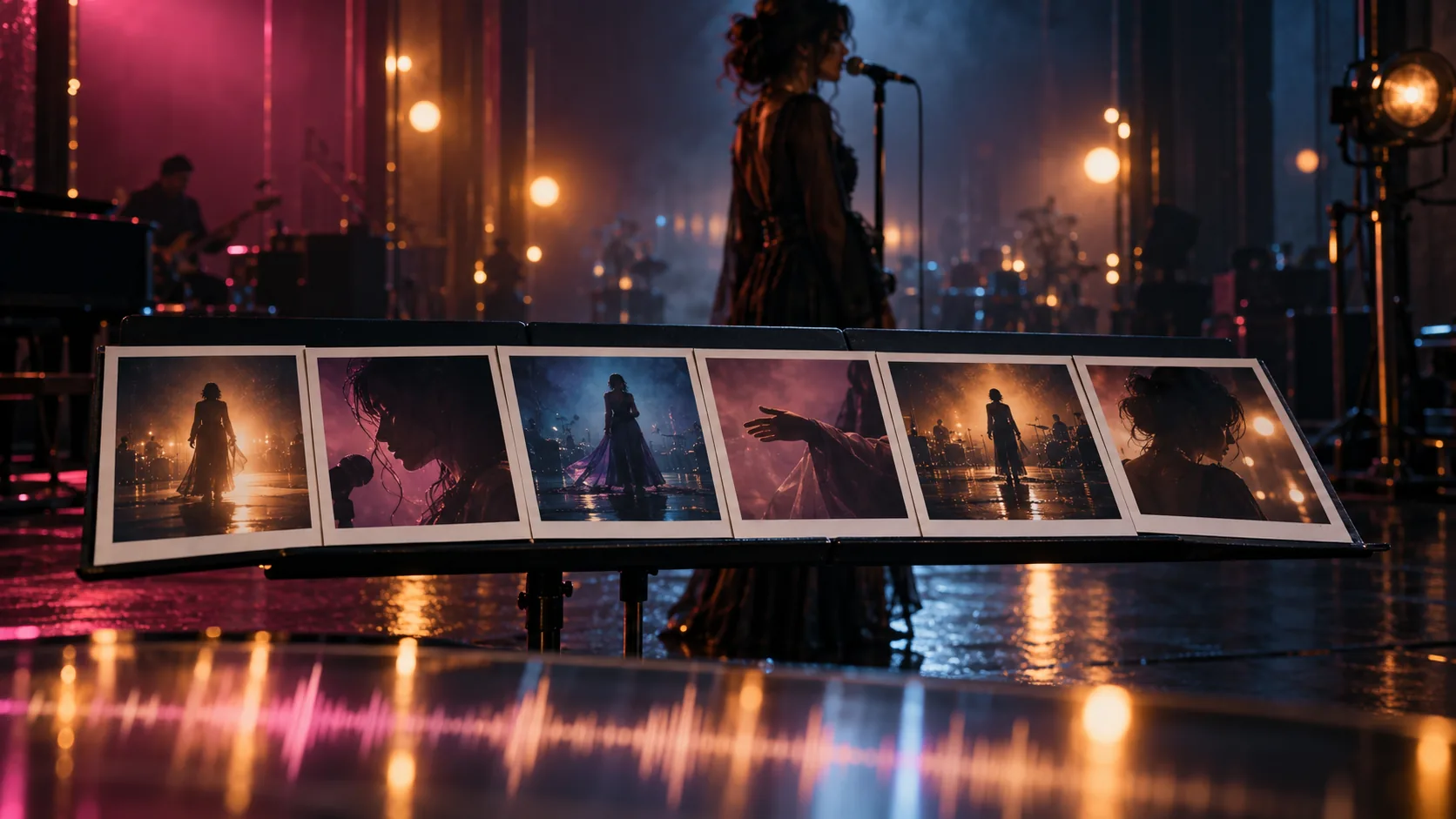
What does a music video storyboard need that a film board does not?
A music video storyboard is timed to a song, not a screenplay. The song already carries the structure, the tempo and the emotional peaks; the board has to translate those into images. That changes the job: you are not only asking “what happens next?” but “which image belongs on this beat, this lyric and this chorus?”
StudioBinder’s music video storyboard guide puts lyric placement and pacing at the centre of the board. That is the right instinct. A film board can survive a slow scene; a music video board has to earn every cut against the track.
The board also has to protect the artist. A performance video lives or dies on whether the same person, wardrobe and visual identity hold from the wide shot to the close-up. That is a continuity problem before it is a styling problem.
How do you map lyrics and beats to panels?
Start with a timestamped lyric sheet and a rough beat map. Mark the intro, verses, pre-choruses, choruses, bridge and outro, then note the lyric line or instrumental moment that should trigger each visual. A working heuristic is one panel per two to four seconds, but the song decides: a chorus usually needs more panels than a verse because it carries more visual energy.
Do not illustrate every word. Choose the lyric lines that carry the image and let the rest of the panel be performance, atmosphere or a narrative insert. A board that tries to literalise every line becomes a slideshow of illustrations instead of a sequence of shots.
| Song section | Visual job | Shot type | Panel notes |
|---|---|---|---|
| Intro | Establish the world and the artist. | Wide establishing, slow push-in. | One location, one look, enough negative space for the first cut. |
| Verse | Set the story or the performance pattern. | Medium performance, narrative insert. | Alternate the artist with one narrative image; keep the lyric line on the panel. |
| Pre-chorus | Build pressure toward the chorus. | Close-up, tighter framing, movement. | Shorten the panels; move the camera closer; hold one visual idea. |
| Chorus | Deliver the peak image and the performance. | Wide performance, close-up vocal, crowd or atmosphere. | Cut faster; repeat the strongest image; keep the artist’s look locked. |
| Bridge | Change the visual temperature. | New location, silhouette, overhead or detail. | One deliberate visual break; do not introduce a second story. |
| Outro | Resolve the image. | Wide, pull-back or final portrait. | Return to the opening frame or land on a single strong image. |
Performance or narrative: what should the board balance?
There is no universal ratio. A performance-led video might run 60 percent performance and 40 percent narrative; a narrative-led video might reverse that. What matters is that the ratio is a decision, not an accident. The artist’s performance is usually the anchor, even in a narrative video, because the audience is watching a person perform a song.
Choose one visual idea for the video and let the narrative serve it. If the song is about isolation, the narrative images should isolate the artist; if it is about release, the board should earn the release at the chorus. A second story idea usually dilutes the first one.
- Performance-led: the artist is the main image; narrative supports the song.
- Narrative-led: a story carries the video; performance returns at the chorus.
- Hybrid: one narrative thread, one performance setup, clear cut points.
- Choose the ratio before drawing panels; it changes the shot list.
- Keep one visual idea; do not introduce a second story at the bridge.
- Return to the performance at the strongest musical moment.
Which shot types carry a verse, chorus and bridge?
The shot list should follow the song’s energy. Verses need room to breathe, choruses need scale and a readable performance, and the bridge needs a deliberate visual change. The same six shot types can cover most boards; the order and duration are what change.
Use a wide shot to establish the world, a medium shot to carry performance, a close-up to carry lyric and emotion, an insert to carry story detail, a transition to move between worlds and a hero frame to land the chorus. If a section has no clear job, it probably needs fewer panels, not more.
- Wide establishing: where the video lives.
- Medium performance: the artist in the world.
- Close-up vocal: the lyric and the face.
- Narrative insert: the story detail the lyric implies.
- Transition: a door, a corridor, a light change, a match cut.
- Hero frame: the image the chorus is built around.
How do you keep the artist consistent across looks and locations?
Lock the artist before you draw the board. Build one reference pack with the face, hair, body proportions and wardrobe, then decide which looks are allowed in which sections. A music video can have more than one look, but each look needs its own reference set; mixing outfits on one sheet teaches the model that wardrobe is variable.
Soul Cinema’s Soul ID holds one character across a still sequence, and Palette Lock holds an accent colour across re-renders. The video character-consistency workflow covers the motion-specific checks.
- One reference pack for the artist, approved before the first panel.
- One look per song section, or one look for the whole video.
- A separate reference sheet for each additional outfit.
- The same face, hair and body proportions in every panel.
- The same palette logic across locations.
- A continuity note on every panel: look, location, light, props.
What is a six-panel music video board?
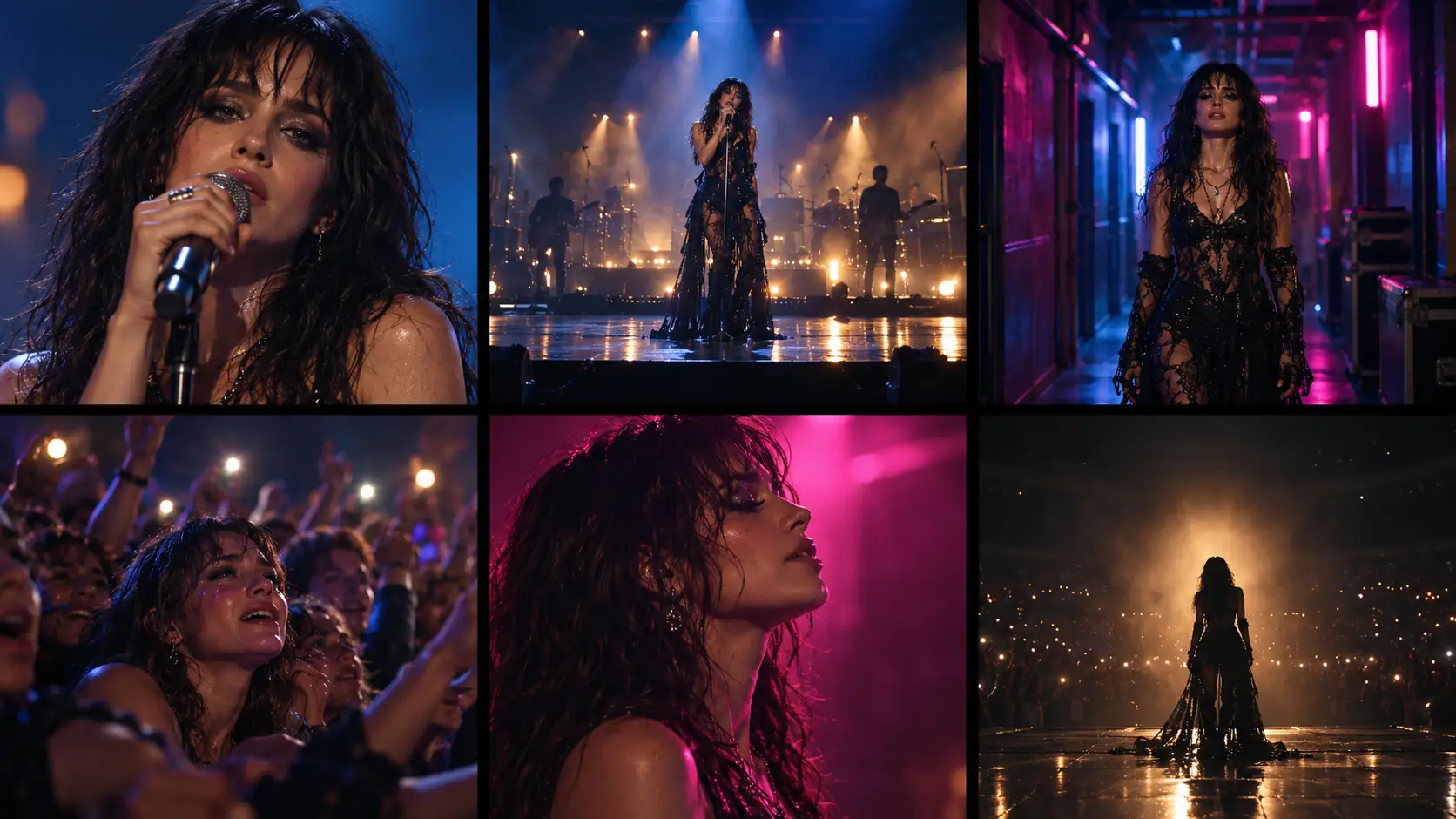
A six-panel board is a compact way to test the visual spine of the video before drawing the full sequence. It is not the whole board; it is the six images that prove the video has a world, a performance, a story and a peak.
Adapt the six panels to the song. A performance-led video might use four performance frames and two narrative inserts; a narrative-led video might reverse that. The point is to see the strongest images together and check that the artist, palette and location hold across them.
- Wide establishing frame: the world of the video.
- Medium performance frame: the artist in that world.
- Close-up vocal frame: the lyric and the face.
- Narrative insert: the story detail the song implies.
- Transition frame: the move into the chorus or bridge.
- Hero frame: the image the video is remembered by.
How do you turn the board into an animatic or video?
Cut the approved panels to the song first. Set each panel’s duration to the lyric or beat it belongs to, add the track and watch the sequence without generating any motion. This is the animatic, and it is where most pacing problems show up. A board that reads well on paper can feel slow once the chorus arrives.
When the animatic works, generate the clips one shot at a time. Soul Cinema renders the panels as cinematic stills; an image-to-video model animates the approved panel. The storyboard to video workflow covers the panel-to-clip handoff, and the image-to-video prompt guide covers the motion language.
What are the common music video storyboard mistakes?
The first mistake is overdrawing. A music video board needs to communicate the shot, not win an illustration prize. The second is too many locations: every new world costs time, continuity and budget. The third is forgetting performance coverage; a narrative board with no strong performance frames leaves the artist with nothing to do on camera.
The fourth is ignoring the lyric. If the image has no relationship to the line, the cut feels arbitrary. The fifth is an inconsistent artist: different hair, wardrobe or body proportions between panels. Fix those on the board before the video model inherits them.
- Overdrawing instead of communicating the shot.
- Too many locations for the song’s length.
- No performance coverage at the chorus.
- Images that ignore the lyric or the beat.
- Inconsistent artist, wardrobe or palette between panels.
- No animatic, so pacing problems are discovered in the edit.
How do you generate the panels in Soul Cinema?
Use the same five-line shot brief as any other Soul Cinema still: subject and blocking, light, lens and frame, palette, then stock and texture. Keep the artist and look lines fixed across the six panels and change only the blocking, shot size and location note.
Start with the Soul Cinema prompt structure and the cinematic AI image prompts guide. Then build the board in the AI storyboard generator and take the approved frames into the storyboard-to-video handoff.
Frequently asked
What is a music video storyboard generator?
It is a tool or workflow for turning a song into a sequence of visual panels. The board maps lyrics, beats and song sections to shots, so the performance and narrative can be planned before any footage or AI clips are generated.
How do I storyboard a song?
Start with a timestamped lyric sheet and a beat map. Mark the song sections, choose the visual idea, assign a job to each section, then draw one panel per shot. Use the animatic to test pacing before generating motion.
How many panels should a music video storyboard have?
There is no fixed number. Start with one panel per two to four seconds as a working heuristic, then add panels where the chorus or narrative needs more coverage and remove panels that repeat the same image.
Should the board be performance or narrative?
Choose deliberately. A performance-led video keeps the artist as the main image; a narrative-led video lets a story carry the song and returns to performance at the chorus. Whichever you choose, keep one visual idea and one consistent artist.
How do I keep the artist consistent?
Build one reference pack with face, hair, body proportions and wardrobe, use one look per section, and keep the same identity anchors in every panel prompt. Additional outfits need their own reference sheet.
Can I turn the board into a video?
Yes, through an animatic and an image-to-video model. Soul Cinema renders the storyboard panels as stills; the animation step happens in a separate video model using the approved panel as the start frame or reference.
Your first cinematic frame is one prompt away
Sign in with Google, pick a plan and keep every still at the resolution the model produced. Plans from $12/month, cancel at any time. No watermark, no re-encode.