
Soul ID: one face across a sequence
The reference lock that keeps one actor in one costume across up to six frames — what it pins, why an unlocked cast drifts, and how to run a sequence that holds.
What is Soul ID?
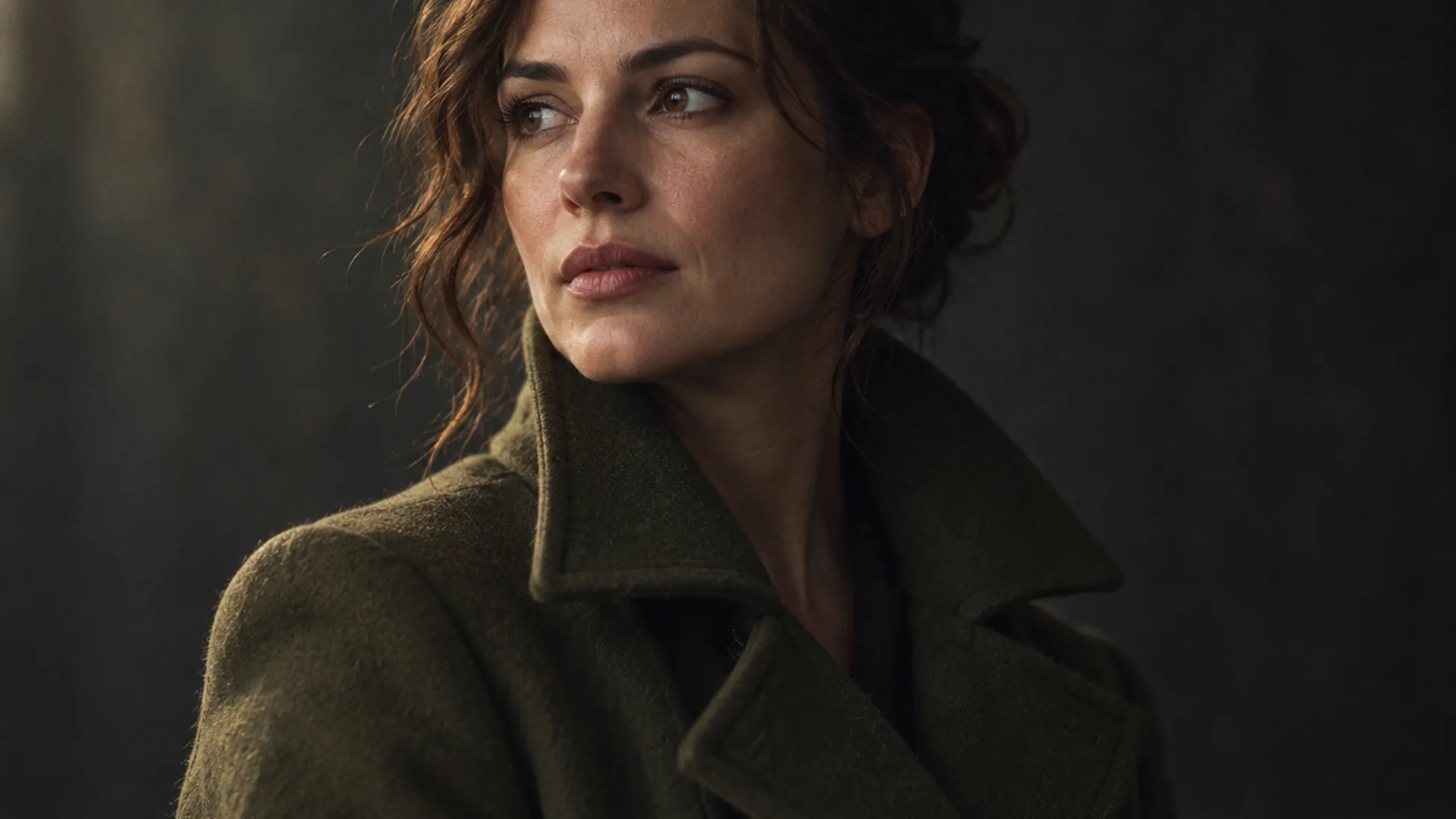
Soul ID is the reference lock that keeps one person recognisable across a sequence of frames. Instead of hoping the model reinvents the same face on every render, you attach a cast reference once, and every frame in the sequence is drawn against the same person.
It is the feature behind the wider problem of AI character consistency, and the model that renders the frames is described in What is Soul Cinema?
A sequence runs up to six frames. That is a deliberate size: six shots is a scene, a look test or a short beat sheet, and it is enough to prove a cast holds before you commit an entire boarding pass to it.
Basic includes Soul ID on one cast at a time; Pro and Max remove the cast limit, and Max adds batch sequences on top.
What does the lock actually hold?
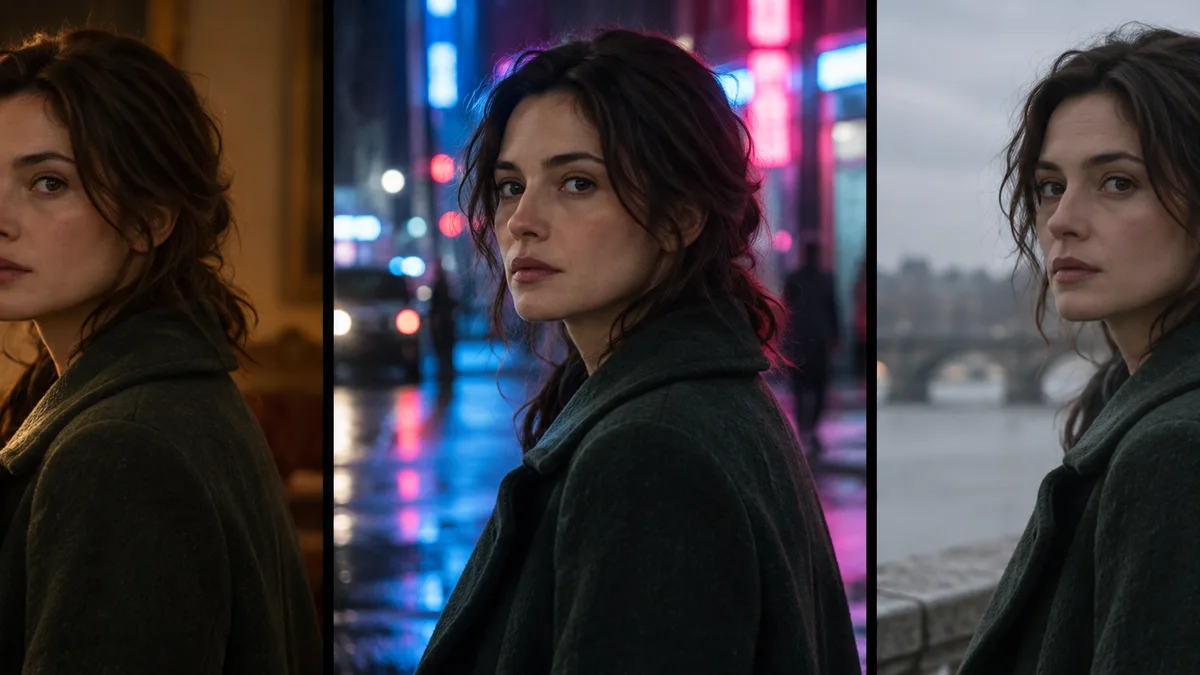
Soul ID pins identity, not the frame. It holds the things that should survive a change of camera — face, hair and wardrobe — while everything the camera decides stays yours to change per frame.
That split is the point. A sequence where nothing changes reads as one render copied six times; a sequence where identity changes reads as six strangers. The lock fixes the first half of the problem and leaves the second half to you.
- Face — the same features, proportions and skin, before the lighting modifies them.
- Hair and wardrobe — the same silhouette, colour and details in every frame.
- Not light or lens — those are prompt lines, and changing them is how a sequence gains its second and third shot.
- Not palette — colour is held separately by palette lock, which pins a requested hex value across re-renders.
Why does a cast drift without a lock?
An unlocked model treats every frame as a fresh decision. Frames one and two look close enough, frame three shifts the jawline in the new light, and by frame five the character is a cousin rather than the same person.
Light is the usual trigger. A hard key is forgiving because it leaves structure for the model to anchor on; a soft, low-key frame removes that structure, so the model fills the gap with new detail. Wardrobe drifts for the same reason: a coat described only as “dark” is reinvented every time it is rendered.
The fix is not a stricter prompt. Words that try to describe a face from scratch fight the model for control, and the model usually wins. The reference is what settles that argument, because it is the same object on every render.
How do you run a six-frame sequence?
Establish the cast on a plain reference frame first: flat light, mid-shot, no palette accent. Choose the frame that reads as the character and lock it — everything after that is a variation, not a reinvention.
The brief for each frame still follows the five-line structure in Soul Cinema prompts: subject and blocking, light, lens and frame, palette, stock and grain.
- Lock the cast on a flat reference frame before styling any shot.
- Write the sequence as up to six frames, one brief per frame.
- Change the camera line between frames: framing, angle, blocking.
- Pin wardrobe colour with a hex, especially for anything dark or reflective.
- Render at 2K while the sequence is new — one credit a frame, refunded if a frame fails.
Where does Soul ID sit in the workflow?
After the look test, before the deliverable pass. First you prove the light and the palette on a single frame; then the cast is locked and the sequence is boarded; then the winning frames go to 4K or 8K. Locking before the look test wastes a lock on a frame you are about to abandon.
Sequences are the format behind AI storyboards and film stills, and the same lock holds a cast through both.
Frames are charged by output size — 2K costs 1 credit, 4K costs 2 and 8K costs 4 — and failed frames are refunded automatically. A six-frame sequence at 2K is six credits, and re-running only the frames that drifted costs only what those frames cost. Soul Cinema pricing lists the credit volume per plan.
Frequently asked
Is Soul ID different from reusing a seed?
A seed pins the noise a render started from; Soul ID pins the person the render describes. A seed alone still lets identity move once light, lens or pose changes, while the lock holds the cast through all three.
How many frames can one cast cover?
A sequence runs up to six frames. Longer runs are handled as consecutive sequences that reuse the same locked cast, which is how a full scene stays one person.
Does Soul ID work with palette lock at the same time?
Yes, and the two solve different drifts: Soul ID holds the person, palette lock holds the colour. Pinning a wardrobe hex keeps a coat the same red in both a warm interior and a cold exterior frame.
Which plans include Soul ID?
Every paid plan includes it. Basic locks one cast at a time; Pro and Max give you unlimited casts, and Max adds batch sequences. There is no free tier and no free credits.
Can I use a locked cast in client work?
You keep the rights to the frames you render, provided you hold the rights to the people and material you describe. The Max plan adds a commercial licence for client work.
Your first cinematic frame is one prompt away
Sign in with Google, pick a plan and keep every still at the resolution the model produced. Plans from $12/month, cancel at any time. No watermark, no re-encode.