
AI character consistency for video
Store identity in a video-specific reference pack, anchor the shot with start and end frames, and test the views that break first before committing to a sequence.
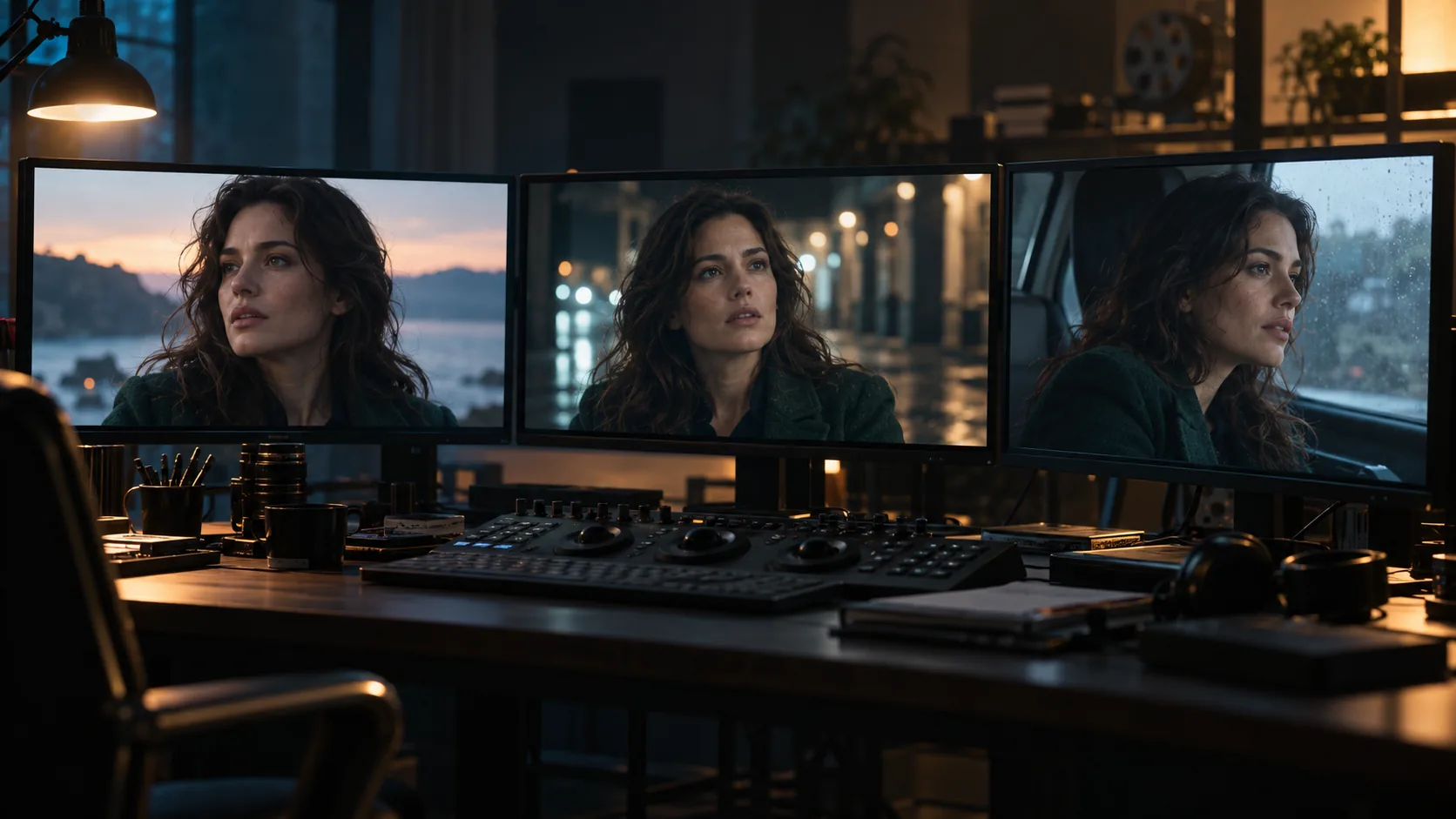
Why is character consistency harder in video?
Video adds time. A still only has to hold an identity for one frame; a clip has to hold it through motion, changing angles, occlusion, lighting shifts and compression. Every frame gives the model another chance to drift, and the drift compounds because each frame is conditioned on the one before it.
The second problem is that video models often receive less identity information than image models. A reference-to-video model may accept a handful of images; a start-frame model may accept only one. When the reference is thin, the model fills the gaps with its default face, wardrobe and body proportions.
The practical answer is the same one the fal character-consistency guide and the LTX video guide converge on: store identity in references, not adjectives, and give the model the view it actually needs.
What belongs in a video character reference pack?
A video reference pack needs more coverage than a still-image pack because the camera moves. At minimum: a neutral front portrait, left and right three-quarter views, a true profile, a rear view, a full-body front, a head crop and a wardrobe detail. If the character turns, the model needs to know what the back of the head and the other side of the coat look like.
Keep one outfit per sheet. A sheet that mixes outfits teaches the model that wardrobe is variable, which is exactly the drift you are trying to prevent. Keep the lighting flat and shadow-free so the model does not learn a shadow as part of the face.
- Neutral front portrait with a relaxed expression.
- Left and right three-quarter views.
- True profile and rear view for turns.
- Full-body front for proportions and silhouette.
- Head crop for close-ups.
- Wardrobe detail: collar, cuffs, fabric, fastenings.
- One outfit per sheet; a second outfit gets its own sheet.
- No runner-up portraits; they create a second character.
How do you write an identity prompt that does not fight the reference?
Once a reference image carries identity, the prompt should stop repeating hair colour, face shape, freckles and other details that are already visible. Repeating them creates competing sources: the reference says one thing, the text says another, and the model averages them. Use the prompt for scene, action, camera, lighting and mood.
Wardrobe is the exception. Models often prioritise faces over clothing, so name the garment and its colour explicitly and keep a reference crop that shows it clearly. If the model accepts multiple references, identify them in request order — “Image 1 is the face reference, Image 2 is the wardrobe reference” — so the model knows which image to use for which decision.
- Do not repeat facial features that the reference already shows.
- Name the wardrobe and its colour explicitly.
- Use the prompt for scene, action, camera and light.
- Identify multiple references by order and role.
- Keep one identity prompt block across the sequence.
- Remove any adjective that describes a different person.
What is the start-frame and end-frame workflow?
A start/end workflow gives the model two anchors instead of one. Generate the first frame and the last frame of the shot with the same character reference, wardrobe and location plate, then let the model interpolate the motion between them. This is the strongest control when the model supports it because both ends of the clip are approved stills.
If the model only accepts a start frame, keep the camera locked and the action small. The model has to invent the end of the motion, so the less it has to invent, the more likely the identity survives. A slow turn or a small step is safer than a walk across the room.
- Generate the start frame with the approved character reference.
- Generate the end frame with the same reference and location plate.
- Check that face, wardrobe and light match across both frames.
- Write one motion prompt for the transition between them.
- Generate the clip and compare the first and last frame to the approved stills.
- If the identity drifts, fix the frames before changing the motion prompt.
How do you keep wardrobe and location consistent?
Wardrobe and location drift are easier to miss than face drift because they often change gradually. A coat shifts from green to olive, a collar disappears, a window moves two feet to the left. By the time the clip is finished, the character looks like the same person in a different film.
Lock both on the board. One wardrobe per sequence, one location plate with architecture, fixed props, materials and light direction, and one continuity note repeated in every prompt. If the shot changes location, make that a deliberate cut, not a gradual morph.
- One wardrobe per sequence; a second outfit is a separate reference set.
- A location plate with fixed architecture and props.
- The same light direction across the sequence.
- The same lens language across the sequence.
- Continuity anchors repeated in every motion prompt.
- A deliberate cut for location changes, not a morph.
Which shots break first?
Turns break first because the model has to invent the side of the head it has never seen. Close-ups break next because the reference crop often does not match the framing. Full-body shots break because body proportions and wardrobe length are easy to drift. Hands and fast motion break because they are hard to render even when identity is stable.
Test those shots before the easy ones. A front-facing medium shot can look perfect while the profile is a different person. If the sequence contains a turn, a close-up and a full-body shot, those three are the real consistency test.
- Turns: the model needs profile and rear references.
- Close-ups: the reference crop must match the framing.
- Full body: proportions and wardrobe length drift first.
- Hands: extra fingers and fused shapes are common.
- Fast motion: identity and wardrobe blur together.
- Occlusion: a hand or prop crossing the face can reset identity.
What is the six-shot video consistency test?
Run the same six shots on every character before committing to a sequence. The test is deliberately repetitive: it isolates the views that break most often, and it gives you a baseline to compare against after a model or prompt change.
- Neutral front medium shot, locked camera.
- Three-quarter turn to camera left.
- True profile, then continue the turn to the rear.
- Full-body walking shot, camera locked.
- Close-up with the same framing as the reference head crop.
- Fast action: reaching, turning or stepping through a doorway.
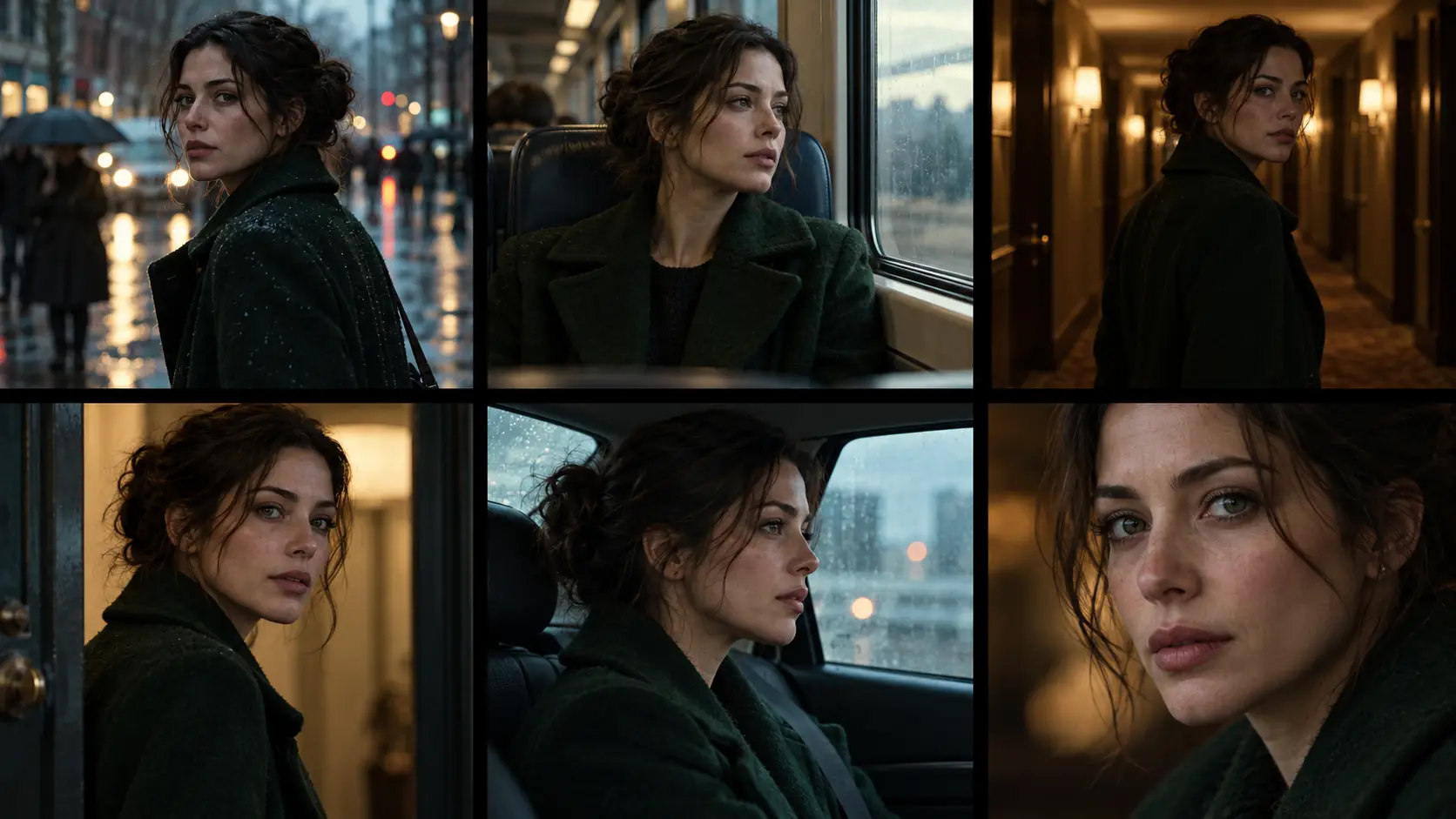
How do you diagnose and fix drift?
Drift is a symptom, not a cause. Compare the failing frame with the reference pack and the approved start frame, then isolate the variable. If the face changes only in profile, the pack is missing a profile view. If the coat changes colour, the wardrobe reference is weak or the prompt is competing with it. If the close-up fails, the crop is wrong.
Fix the reference or the frame before rewriting the prompt. A longer prompt rarely fixes a missing view; it usually adds another competing instruction.
| Symptom | Likely cause | Fix |
|---|---|---|
| Face changes in profile or rear view | Reference pack has no profile or rear coverage. | Add profile and rear views to the pack. |
| Wardrobe changes colour or loses a detail | Wardrobe reference is weak or the prompt repeats a different description. | Add a wardrobe crop and name the garment once. |
| Close-up looks like a different person | Reference crop does not match the close-up framing. | Use the head crop that matches the shot. |
| Body proportions drift in full body | No full-body reference or inconsistent lens language. | Add a full-body view and keep the lens fixed. |
| Identity resets when a hand crosses the face | Occlusion plus a competing identity prompt. | Simplify the prompt and keep the hand path away from the face. |
Where does Soul Cinema fit in a video workflow?
Soul Cinema is the stills side of the workflow. Use it to build the character reference sheet, generate the start and end frames, and approve the look before spending on motion. It does not render video; the clip is generated in a separate video model.
Start with the AI character reference sheet and Soul ID character to build a reusable actor, then use AI character consistency for the still-sequence discipline. The image-to-video prompt guide covers the motion language, and storyboard to video covers the shot handoff.
Frequently asked
Why does my AI character change in video?
Video gives the model more frames and more angles to invent. If the reference pack lacks a profile, rear view or wardrobe crop, the model fills the gap with its default. Identity drift is usually a reference problem before it is a prompt problem.
How many reference images do I need?
At minimum: a neutral front portrait, two three-quarter views, a profile, a rear view, a full-body front, a head crop and a wardrobe detail. Add views for any shot the sequence actually uses, especially turns and close-ups.
Should I use a LoRA or a reference image?
Use a reference image for a one-off character or a short sequence. Train a LoRA only when the character recurs often enough to justify the training data and cost. Most video workflows can start with a clean reference pack and a locked identity prompt.
What is a start-frame and end-frame workflow?
Generate the first and last frame of the shot with the same character reference and location plate, then let the video model interpolate the motion between them. It gives the model two approved anchors instead of one.
How do I fix wardrobe drift?
Use one wardrobe per reference sheet, add a clear wardrobe crop, name the garment and colour once in the prompt and remove any competing description. If the model prioritises faces, the wardrobe needs its own reference.
Can Soul Cinema generate the video?
No. Soul Cinema renders the reference sheet and the start and end frames. The video step happens in a separate image-to-video model; Soul Cinema is the stills side of the handoff.
Your first cinematic frame is one prompt away
Sign in with Google, pick a plan and keep every still at the resolution the model produced. Plans from $12/month, cancel at any time. No watermark, no re-encode.