
Soul ID character: build one actor, reuse them everywhere
The reference set that decides the face, the lock that carries it across a six-frame check, and the queue and Veo 3 questions answered — the build page for a reusable AI actor.
What a Soul ID character is
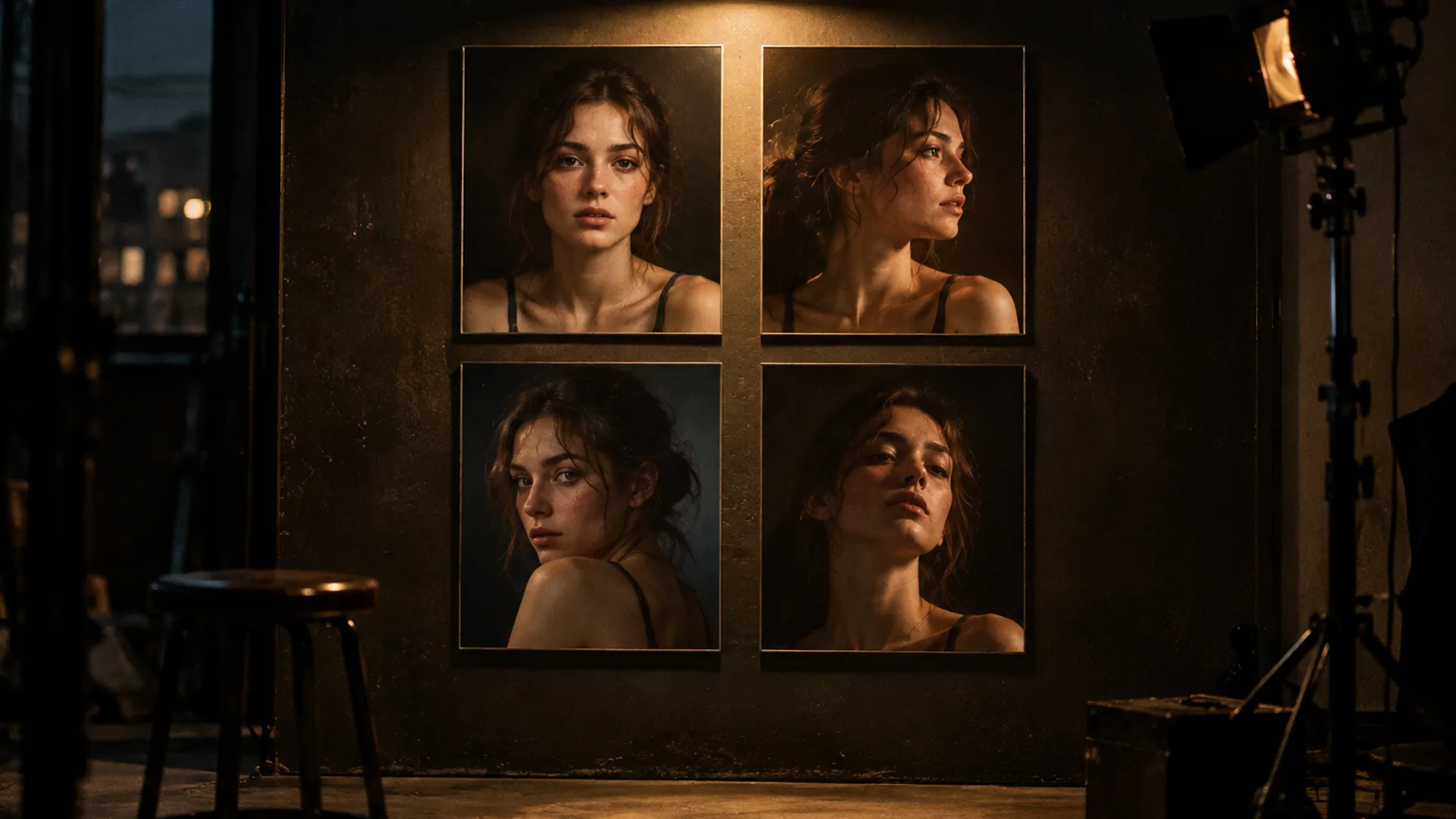
A Soul ID character is the unit this workflow reuses: one face, hair and wardrobe held by a reference lock, built once and kept in the cast library so the second scene does not reinvent the first.
The pieces are documented separately — a cast is the actor’s written definition (era, archetype, wardrobe, presence) and Soul ID is the lock that carries that actor across a sequence of up to six frames. A character is the pair, built and named so it can be called back for anything.
That matters because the character is the expensive thing in AI content. A look can drift and be re-rendered in a minute; an actor that changes faces between posts is a broken brand. Building the character properly is the one step that stops that.
The reference set decides the face
Everything downstream inherits the quality of one input: the reference set. The model learns exactly what it is shown — a set of cropped, moody phone shots teaches it a cropped, moody face.
- Clear, even light — a hard shadow splitting the face, or a heavy filter, teaches the model the filter instead of the person.
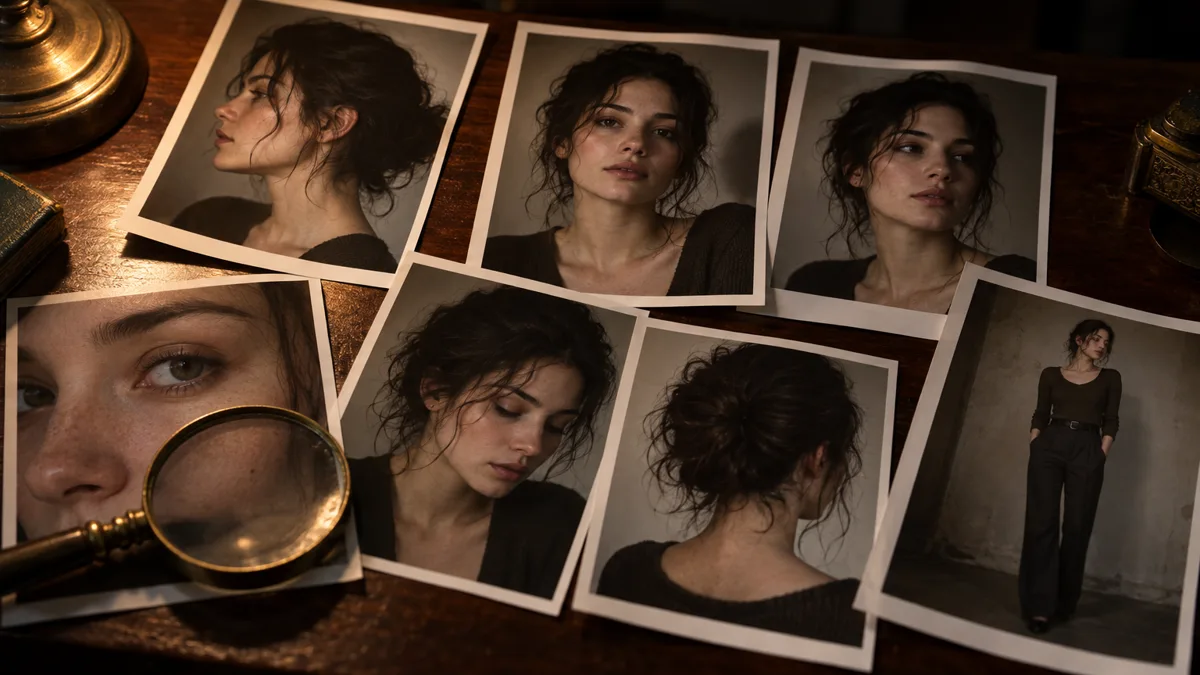
- Several angles — front, three-quarter and profile. One pose teaches one mask; a full set teaches a face.
- No sunglasses, no cropped chins, no group shots.
- One full-height frame if body proportions matter to the project.
- Recent frames of one person — consistent age and hairstyle across the set; quality beats quantity.
- Keep one plain, flat-light frame in the set — that is the frame the character gets established against first.
Build, lock, verify: the six-frame check
Building is quick; verifying is what makes the character reusable. Run the same discipline a sequence gets (see Soul ID for the lock itself):
- Build the character from the reference set and name it — it stays in the cast library for every later project.
- Establish the plain reference frame under flat light, mid-shot, no palette accent — that frame is the source of truth.
- Run a six-frame check: six renders, one new brief each, changing exactly one camera line per frame.
- If all six read as the same person, the character is ready for scenes. A drifting frame means the reference set needs fixing — not a stricter prompt.
Where a built character pays off
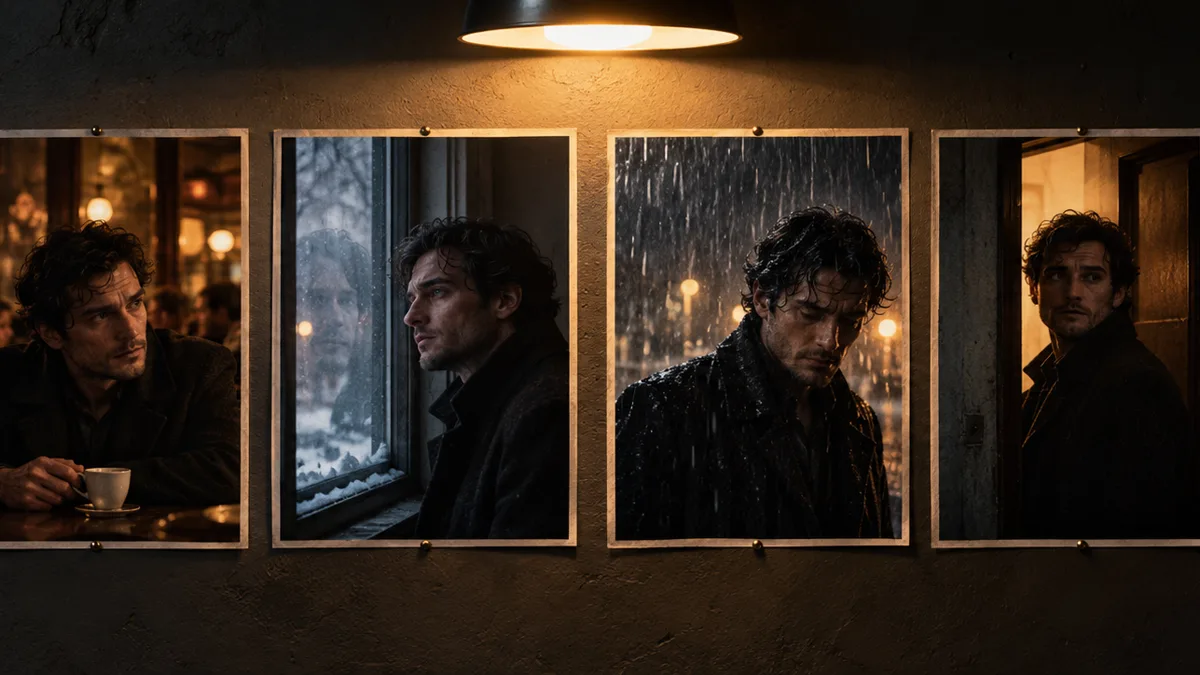
Sequences are the native format — storyboards (AI storyboards), film stills, a scene told in six frames — and the same character carries every one of them. A photo dump is one character across fifteen setups, which only works if the character holds.
The economics are simple: a character is built once, and every later render starts from a known actor. The retry cost per project falls every time the character is reused — which is the opposite of how prompting from scratch behaves.
Frequently asked
Why does a Soul ID character show “in queue”?
Building a character is a queued job on the provider’s side, and queues move with demand — a busy hour means minutes rather than seconds before the character lands in the library. Higgsfield’s own Soul ID guidance quotes about three to five minutes of training once a job starts. Nothing needs resubmitting while it waits; the character appears in the cast library when it is ready.
Does a Soul ID character work with video — Veo 3 and similar?
Soul ID is a stills-side identity lock: it holds a face across rendered frames, and this console renders stills — there is no timeline here. The handoff to motion is the frame itself: lock the character, render the winning still, then use it as the start frame in a video model — a Veo-class engine or Higgsfield’s Cinema Studio.
How is a character different from a cast?
A cast is the actor’s written definition — era, archetype, wardrobe, presence. A character is that definition plus the locked reference, built and saved so it can be reused. The cast page walks the casting decisions; this page walks the build.
How many characters can one scene hold?
A dialogue needs two and a crowd needs more — the console supports several casts in one frame. Contrast the silhouettes before styling the light, and keep one wardrobe line per actor, copied verbatim.
What does building a character cost?
Renders are charged per frame by output size — the six-frame check at 2K is six credits, and failed frames are refunded automatically. Basic includes one locked cast at a time; Pro and Max remove the limit. The plan arithmetic is on the pricing page.
Your first cinematic frame is one prompt away
Sign in with Google, pick a plan and keep every still at the resolution the model produced. Plans from $12/month, cancel at any time. No watermark, no re-encode.