
Higgsfield Soul ID alternatives, compared honestly
Five ways to keep a character consistent across stills and video, what each one actually locks, and the migration checklist that stops a cast from drifting.
What Soul ID is good at
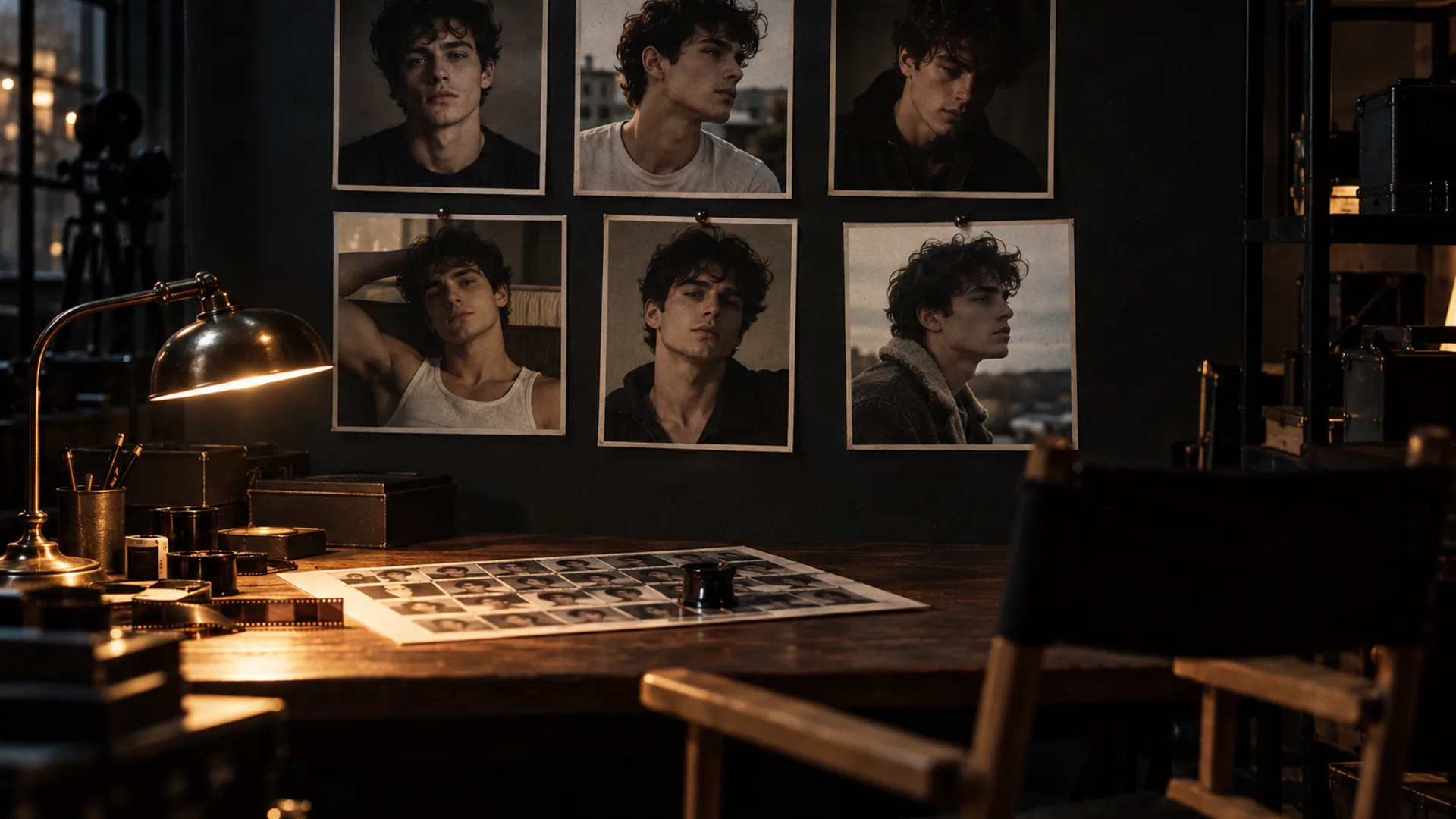
Soul ID is a reference lock, not a prompt trick. You attach a face and wardrobe reference once, and a sequence of up to six frames is drawn against the same person. It is the simplest way to keep a cast from turning into a different actor every time the light changes, and it is built into the stills console rather than bolted on afterwards.
The limits are just as important. Soul ID is for stills, not video; it holds identity and wardrobe, not the frame; and it does not pin colour by itself. Palette lock is the separate tool for a requested hex value. Basic includes one cast at a time; Pro and Max remove the cast limit, and Max adds batch sequences and a commercial licence.
The feature itself is documented on Soul ID, the build path on Soul ID character, and the underlying problem on AI character consistency.
The five alternatives, honestly compared
There is no universal winner. The right alternative depends on whether you are making stills, video or a finished composite, and how much setup you are willing to repeat. These five cover the practical paths:
- Manual reference sheet with a fixed seed: collect six to twelve photos of the same person in the same light and angles, keep the seed fixed, and describe the wardrobe in one line. Best for budget and control; weakest when the light changes a lot.
- Midjourney character reference: use the character reference and character-weight controls to reuse a face across generations. Strong for stills and art direction; it lives inside Midjourney and does not provide a six-frame sequence or a separate palette lock.
- Kling reference or elements workflow: use the platform’s image-reference or character-element path where your plan exposes it. Strong for short video shots; the names and limits change, so verify the current UI before building a workflow around them.
- Flux or Stable Diffusion with a LoRA or IP-Adapter: train or attach a character adapter, then reuse it across a series. Best for a large character library and repeatable production; the setup and hardware cost are real.
- Manual compositing or face replacement: finish the performance first, then replace or blend the face from a locked reference in a compositor. Best for a fixed shot that must match an existing plate; it is labour-intensive and can look pasted if the light and angle do not match.
The comparison that actually matters
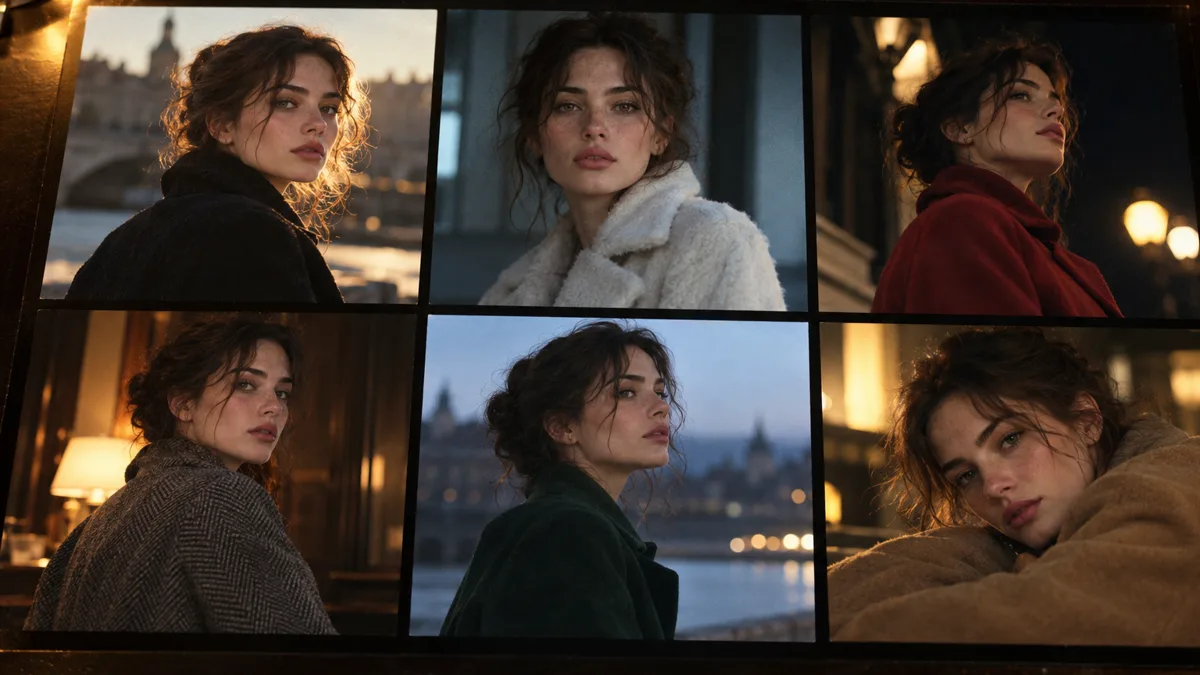
Feature lists are less useful than the four questions you will ask on the second day of a project. Does the tool hold the face when the light changes? Does it let you keep the wardrobe and a brand colour? Does it work for the deliverable you actually have to hand over? And how much work does a new cast cost next time?
Soul ID wins on the first two for stills and on setup time. Midjourney wins on art direction and stylistic range. Kling wins when the deliverable is motion and the shot is short. A LoRA wins when you need a reusable character library across a large batch. Manual compositing wins when the plate is fixed and the face must be exact.
- Consistency across light: Soul ID and a trained LoRA are the strongest; a fixed seed alone is the weakest.
- Wardrobe and colour control: Soul ID plus palette lock is the clearest path; other tools usually need a separate colour workflow.
- Stills versus video: Soul ID and Midjourney are stills-first; Kling is video-first; a LoRA can serve either with the right pipeline.
- Setup cost: Soul ID is immediate; a reference sheet is an afternoon; a LoRA or IP-Adapter is a project; manual compositing is per shot.
How to migrate a cast without losing the face
Most failed migrations do not fail because the new tool is bad. They fail because the reference set was inconsistent before the move. Five photos under five different colour temperatures teach the tool five different faces. Start with a clean reference, then test the new path against the old one.
- Collect six to twelve references of the same person: front, three-quarter, profile, and at least two expressions.
- Match the light in the references: soft, neutral and similar direction; remove beauty filters and heavy grain.
- Choose one neutral frame as the master reference and keep it outside the tool.
- Lock the wardrobe in one written line and pin the important colour with a hex if the new tool supports it.
- Test at 2K with three briefs: a hard-key night frame, a soft portrait and a bright practical.
- Compare the new result with the old sequence at 100%; if the jawline or hairline drifts, fix the reference before generating more.
When Soul ID is still the better choice
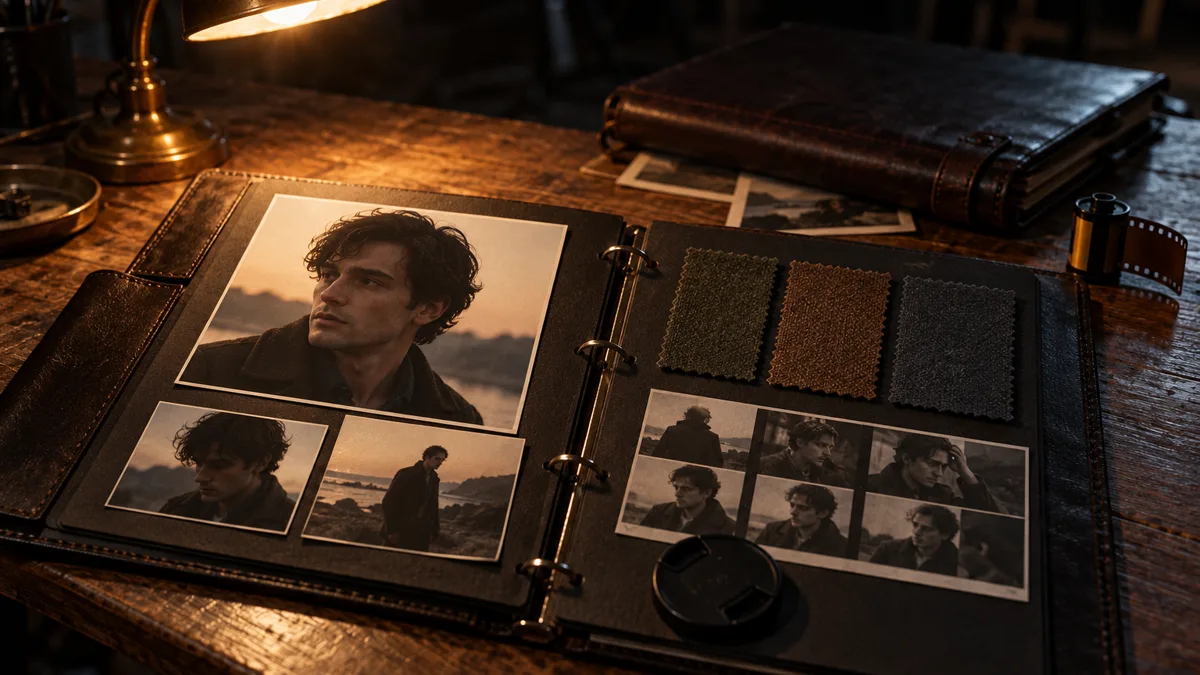
If the deliverable is a sequence of cinematic stills, Soul ID is usually the shortest path. You do not train a model, install an adapter or composite a face; you attach the cast and write the six frames. Palette lock then holds the colour that the identity lock does not cover.
It is also the better choice when the cast has to survive a client review. A reference lock is easier to explain than a seed, a LoRA and a post-production stack, and the cost is visible in the plan rather than hidden in setup time. If the sequence grows beyond six frames or the deliverable becomes motion, the alternative paths become more attractive.
The plan limits are on Soul Cinema pricing; the stills-to-motion handoff is on Higgsfield Cinema Studio pricing.
What not to do
A few habits make any of these tools look worse than they are:
- Do not build a reference set from five different lighting conditions and expect the tool to average them into one face.
- Do not rely on a longer prompt to hold a face; a reference does that job better than adjectives.
- Do not switch tools in the middle of a sequence without re-testing the cast against the old frame.
- Do not upscale before the face and wardrobe hold; 8K makes drift more visible, not less.
- Do not use a commercial cast without checking the licence and the rights to the reference photos.
Frequently asked
What is the best Higgsfield Soul ID alternative?
It depends on the deliverable. For a six-frame stills sequence, Soul ID is the shortest path. For art-directed stills, Midjourney’s character reference is strong. For short video, Kling’s reference workflow is the closer fit. For a reusable character library, a Flux or Stable Diffusion LoRA is more work but more portable.
Can I use Midjourney character reference instead of Soul ID?
Yes, for stills. Midjourney’s character reference and character-weight controls reuse a face across generations. It does not provide a six-frame sequence, a palette lock or the same integrated console, so a sequence with changing wardrobe and light needs more manual checking.
Does Soul ID work for video?
No. Soul ID holds a face and wardrobe across a sequence of up to six still frames. For motion, the stills-first handoff is to finish the frame here and animate the winning frame in a video tool such as Cinema Studio.
How many reference photos do I need?
Six to twelve is a practical starting range: front, three-quarter and profile angles, two expressions, and consistent soft lighting. More photos are not better if they disagree about the face; curation matters more than count.
Can I keep the same cast across a new model or tool?
Usually, if the reference set is clean and the new tool accepts a character reference or adapter. Test one neutral frame and one hard-light frame first. If the jawline or hairline drifts, fix the reference before generating the full sequence.
Is a LoRA better than Soul ID?
A LoRA is more portable and can be reused across a larger pipeline, but it requires training data, setup and testing. Soul ID is faster for a six-frame stills sequence and needs no model training. The right choice is a question of volume and portability, not raw quality.
Your first cinematic frame is one prompt away
Sign in with Google, pick a plan and keep every still at the resolution the model produced. Plans from $12/month, cancel at any time. No watermark, no re-encode.