
Cinematic AI image generator
A generator tuned for one question: does this frame look like it was shot? Directional light, locked casts, pinned colour and delivery at 2K, 4K or 8K.
What is a cinematic AI image generator?
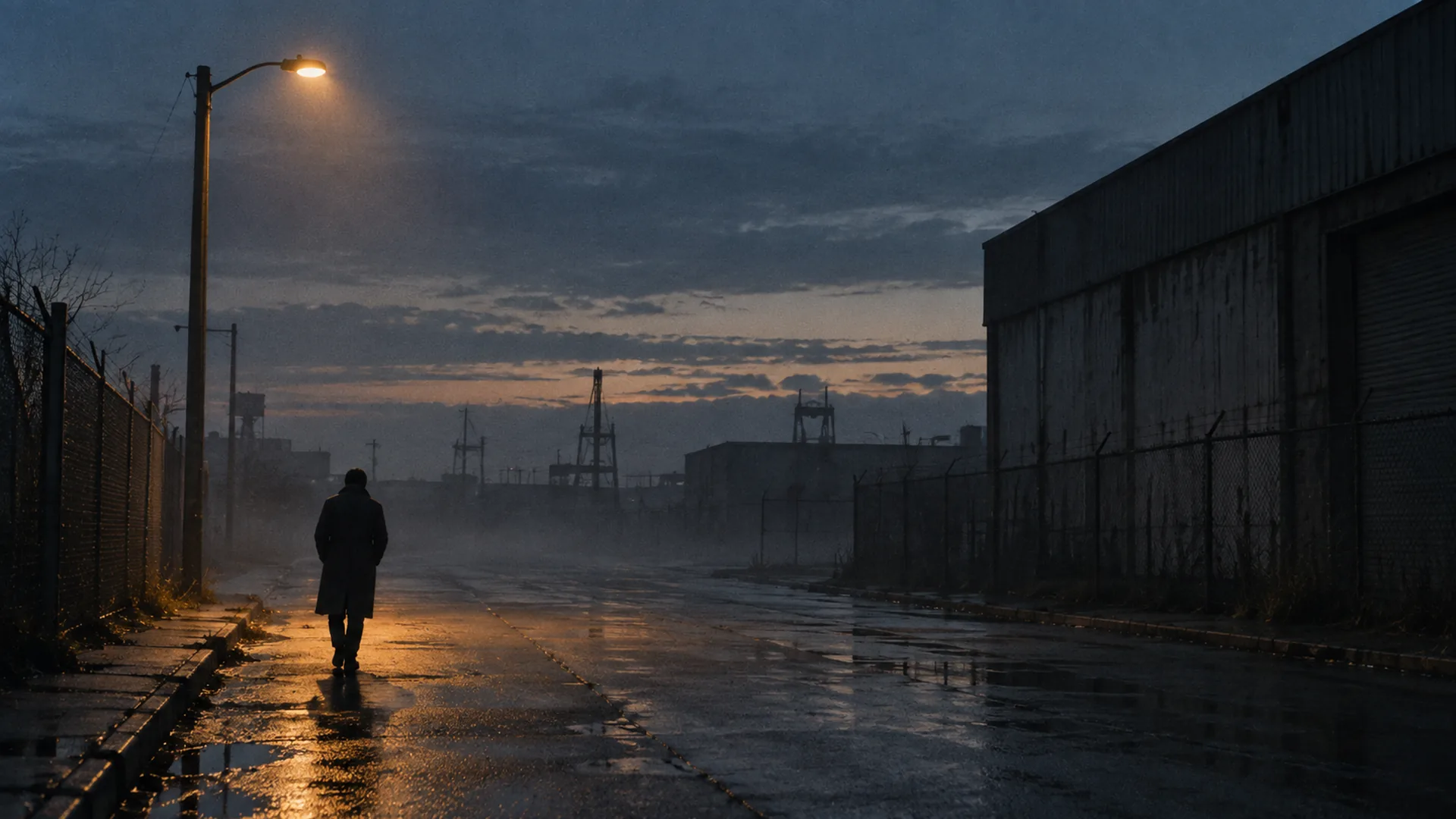
It is an image generator that renders a frame the way a set would light it. You write a shot — subject, blocking, light, lens, palette, stock — and the model returns one still with a directional key, a readable shadow side, a focal length that behaves like the one you named and grain that matches the stock. Soul Cinema is this site’s version of that tool: a stills model with a console around it, not a chat assistant and not a video model.
The distinction matters more than it sounds. A general image model optimises for range: it will draw anything, and it will usually do it in a bright, even light that keeps every subject legible. That default is right for a diagram and wrong for a frame that is supposed to sit next to a photograph.
- Input: a written shot brief, five lines long.
- Output: one still per render, at the size the model produced it.
- Not included: video, timelines or frame rates.
How is it different from a general image model?
Three differences show up immediately. First, light has a direction: ask for a hard side key with almost no fill and the shadow side still holds detail instead of collapsing. Second, the cast can be locked. Soul ID holds a face and wardrobe reference across a sequence of up to six frames, so the same person survives a change of angle or light. Third, the look can be pinned: palette lock keeps a requested hex value intact across re-renders, which is what stops an accent colour drifting between setups.
Where a general model wins is breadth and editing, and it is worth saying so plainly. The comparison against the Gemini image model is in Soul Cinema vs Nano Banana, and the naming around this model family is in Higgsfield Soul Cinema.
What do you get per render?
Credits are charged per frame by output size: 2K costs 1 credit, 4K costs 2 and 8K costs 4, and failed frames are refunded automatically. Native renders run up to 4K; 8K is an AI upscale from the 4K render, and the file metadata records both sizes so a client can see exactly what they are getting. Exports arrive without a watermark and without a second round of compression.
The practical consequence is that look testing is cheap and delivery is deliberate: four 2K tests cost the same as one 8K frame, so a look can be settled before the resolution goes up.
Which looks and presets ship with it?
The console carries 40+ locked looks on Pro and Max. A look is not a filter: it carries the decisions a cinematographer would make — lens, direction of the key, contrast, grain and palette — and applies them to every frame in a sequence. Presets are the reason a set of stills reads as one shoot rather than one afternoon of experiments.
The structure behind a preset is the same five-line brief you would write by hand, which is what cinematic AI image prompts breaks down line by line.
How do you start?
Sign in with Google, pick a plan, write a five-line brief and render a 2K test. Change one line at a time until the light and the lens are right, then re-render the chosen setup at 4K or 8K against the same pinned palette. If the frame is part of a sequence, lock the cast first so the identity does not drift between setups.
Plans start at $12/month for 120 credits and stills up to 4K; Pro adds 8K, unlimited casts and the full look library. The credit maths is on Soul Cinema pricing explained, and the live plan table is on the pricing page.
Frequently asked
What makes an image generator cinematic rather than just photographic?
A motivated, directional key light; a controlled contrast ratio; a lens whose perspective is visible in the frame; and honest grain. Adjectives do not produce it, and neither does resolution — a flat 8K render still looks like a render.
Do I need a paid plan to try it?
Yes. There is no free tier and no free credits — every frame costs real compute. Basic is $12/month for 120 credits and stills up to 4K, and you can cancel at any time.
Can it generate video?
No. Soul Cinema renders stills, at 2K, 4K and 8K. There is no timeline and no frame rate; the difference between this and the motion model in the same family is covered in Soul v2 vs Soul Cinema.
How many frames can share one cast?
Six per sequence through Soul ID, which locks a face and wardrobe reference so the same person is rendered across a change of angle, expression or lighting condition. Longer sets continue against the same reference.
What resolution should I deliver at?
Test at 2K (1 credit), deliver at 4K (2 credits) or 8K (4 credits). 8K is an upscale from the native 4K render, and the metadata records both sizes.
Your first cinematic frame is one prompt away
Sign in with Google, pick a plan and keep every still at the resolution the model produced. Plans from $12/month, cancel at any time. No watermark, no re-encode.