
Free cinematic AI image generators
An honest comparison of what free cinematic generators actually give you: credits, watermarks, commercial terms, cinematic controls and the point where paid becomes cheaper.
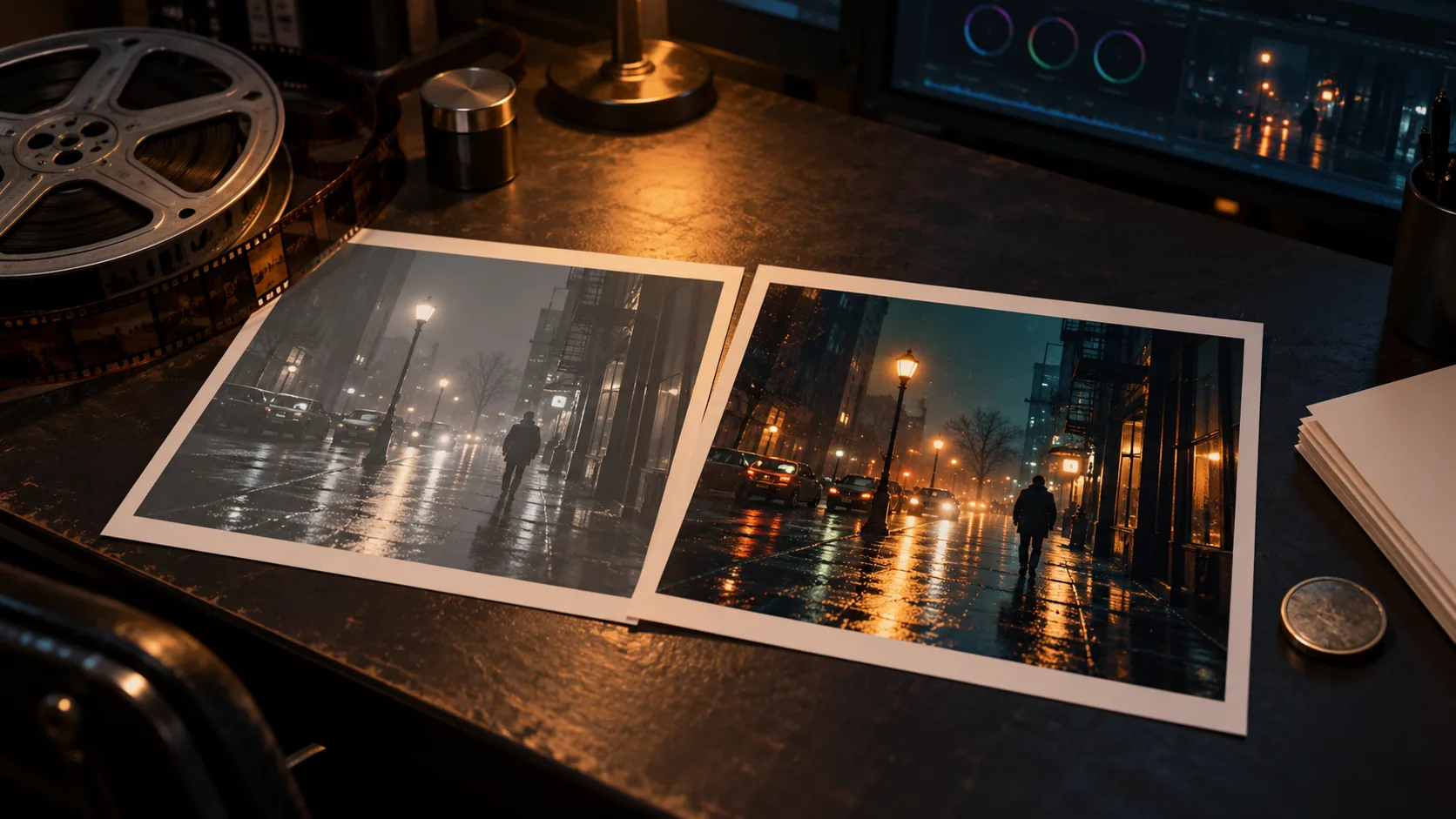
What does “free” actually mean for a cinematic AI image generator?
Free usually means one of four things: a small credit grant, a daily allowance, a watermark or a queue. The output may also be limited to a lower resolution, and the commercial-use terms may be narrower than the paid plan. A page that promises “free cinematic AI images” is not necessarily promising a free production workflow.
The useful question is not “is it free?” but “what does the free tier let me finish?” If the free tier gives you twenty images, a watermark and no commercial licence, it is a look-development tool, not a delivery tool. That is still useful, as long as you plan the handoff to a paid render.
Free-tier details below were checked on 2026-11-01. Plans change; verify the current terms on each official page before you rely on them.
Which free options are worth testing in 2026?
Five options cover different kinds of “free”: a quick browser test, a high-volume free tier, a preset app, a daily-credit app and an open-source studio. None of them is a substitute for a paid sequence workflow, but each is useful for a specific job.
| Tool | Free allowance | Watermark / commercial use | Cinematic controls | Best for |
|---|---|---|---|---|
| Pixlr AI Image Generator | 20 images with 20 credits for new users; a 250-credit free trial is also advertised. | Watermark and commercial terms are not stated on the generator page; check before publishing. | A “Cinematic” style, 10 lighting presets, 7 compositions and 5 aspect ratios. | A fast browser test of a cinematic look. |
| ZSky AI | Unlimited image and video generation is advertised, with no credits, daily caps, ads or card requirement. | A small “MADE WITH zsky.ai” plate is shown on the free tier; paid plans remove it and add commercial use. | Cinematic shots and camera-control presets. | High-volume exploration and motion tests. |
| Eltima AI Cinematic Photo | 10 free random photos, one per day; the daily photo comes from a random pack. | Watermark is not stated; a subscription unlocks all packs. | Themed cinematic packs with lighting, styling and film-like effects. | Turning a selfie into a cinematic character test. |
| Dreamina | Free daily credits for images and videos are advertised; the exact amount is not stated on the landing page. | Watermark policy is not stated on the landing page; check before publishing. | General image and video generation with cinematic presets and partial redraws. | Exploring both stills and motion in one app. |
| Open-Generative-AI | Open source and MIT licensed; local models can run without an API key, cloud models require a Muapi key. | No platform watermark; commercial terms depend on the model you connect. | A Cinema Studio with lens, focal length and aperture controls. | Tinkerers who want camera controls and a self-hosted setup. |
Which free tool has the best cinematic controls?
For a quick test, Pixlr is the most direct: it has an explicit Cinematic style and a set of lighting presets, and it runs in the browser. For camera-level control, Open-Generative-AI is the strongest of the free options because its Cinema Studio exposes lens, focal length and aperture as prompt modifiers.
ZSky is the best fit for volume: the official page advertises unlimited generation and a free watermark plate rather than a credit meter. Eltima is the most preset-driven and the least controllable. Dreamina is useful when you want stills and motion in one app, but its free allowance and watermark policy are less explicit.
- Quick style test: Pixlr’s Cinematic style and lighting presets.
- Camera-control test: Open-Generative-AI’s lens, focal length and aperture.
- Volume test: ZSky’s advertised unlimited generation.
- Character-pack test: Eltima’s selfie-to-cinematic packs.
- Stills-plus-motion test: Dreamina’s daily credits.
Where do free generators break down?
The first breakdown is consistency. Free tools are usually built for one image at a time, not a locked cast across a sequence. They may let you upload a reference, but they rarely give you a character sheet, a wardrobe lock, a palette lock and a six-frame continuity test in one workflow.
The second breakdown is delivery. Watermarks, lower resolution, queue time and commercial-use restrictions decide whether an image is usable for a client. The third is iteration cost: a free credit that produces an unusable frame is still a wasted attempt, and the time spent fighting a queue can cost more than a paid credit.
- No locked cast across a sequence.
- No wardrobe or palette lock.
- Watermarks and lower resolution on free output.
- Commercial-use terms that are unclear or restricted.
- Queue time and daily caps that break a production session.
- No reliable way to reproduce an approved frame.
How do you test a free generator before paying?
Run the same five tests on every free tool. They are designed to expose the differences that matter for cinematic work, not the differences that look good in a hero image.
- Skin test: render a close-up and inspect pores, hair and fabric at full size.
- Highlight test: check whether practical lights keep colour or clip to white.
- Hand and eye test: look for extra fingers, fused shapes and dead eyes.
- Consistency test: render the same character twice with the same reference; compare the face and wardrobe.
- Delivery test: check resolution, watermark, commercial terms and whether the file is re-encoded.
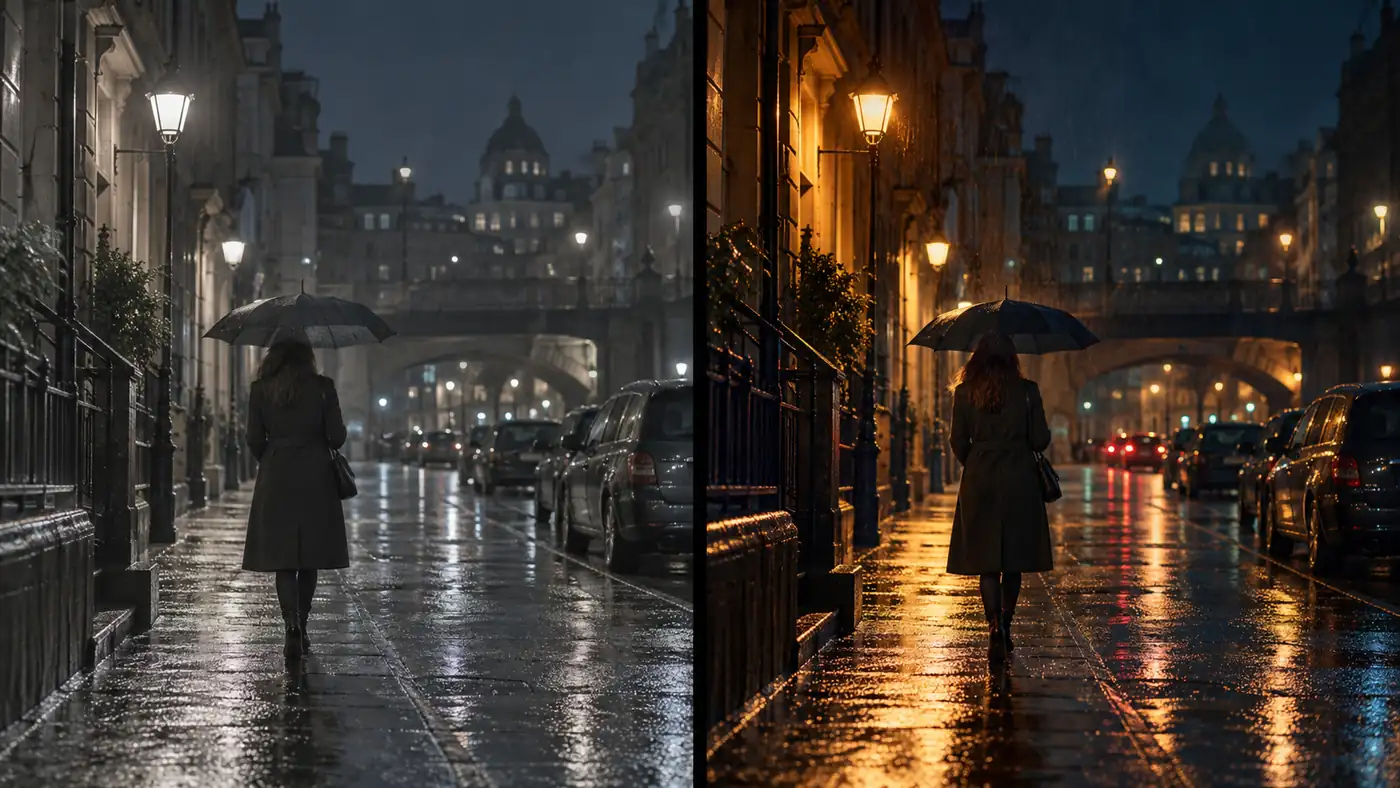
When is a paid generator cheaper per usable frame?
A paid plan is not automatically better, but it can be cheaper per usable frame. If a free tier gives you twenty attempts and two keepers, the real cost is the time spent separating them. A paid plan with predictable credits, no watermark and a locked cast can produce more keepers per session even when the headline price is higher.
Compare cost per keeper, not cost per render. Include the value of your time, the cost of a failed frame, the resolution you actually deliver and whether you need a commercial licence. A cheap render that cannot be delivered is not cheap.
Free tiers are not a problem when the job is exploration. They become a problem when the output has to match an approved frame. A look test can tolerate variation; a delivered sequence cannot. Budget for the paid render at the point where the frame becomes a commitment, not at the point where the first draft looks promising.
Soul Cinema is transparent about the other side of the equation: plans start at $12/month, credits are charged per frame by output tier, and failed frames are refunded automatically. The Soul Cinema pricing guide breaks down the credit maths.
What is the honest free path with Soul Cinema?
Soul Cinema has no free tier, no free trial and no free credits. Every frame is paid compute. That is not a marketing trick; it is the cost model behind a stills console with locked casts, palette control and 4K/8K delivery.
If you need free, use the tools above for look development and exploration, then move to a paid render for the frames you actually deliver. The honest answer on Soul Cinema pricing explains why there is no free tier and what a first month actually costs. The cinematic AI image generator page explains what the paid console includes.
Frequently asked
Is there a truly free cinematic AI image generator?
There are free tiers, but they usually trade something: a credit cap, a daily limit, a watermark, a queue or unclear commercial terms. A completely free, unlimited, watermark-free, high-resolution cinematic generator with a locked cast is not a realistic expectation.
Which free generator is best for cinematic stills?
Pixlr is the fastest browser test because it has a dedicated Cinematic style and lighting presets. Open-Generative-AI is better if you want camera-level controls and a self-hosted setup. The right choice depends on whether you are testing a look or building a workflow.
Do free generators add watermarks?
Some do, some do not, and some do not state it clearly. ZSky advertises a small “MADE WITH zsky.ai” plate on the free tier. Pixlr, Eltima and Dreamina do not state a watermark policy on their landing pages, so check the output and the terms before publishing.
Can I use free AI images commercially?
Only if the tool’s current terms allow it. Free tiers often restrict commercial use or require attribution. Check the official licence for the exact model and plan you use; a free render is not automatically a commercial licence.
Why does free generation look inconsistent?
Free tools are usually optimised for one-off images, not a locked sequence. They may not accept a character reference, a wardrobe reference or a palette lock, and each prompt starts a new interpretation. Consistency needs references and a repeatable workflow, not a longer prompt.
Is Soul Cinema free?
No. Soul Cinema has no free tier, no free trial and no free credits. Plans start at $12/month; credits are charged per frame by output tier and failed frames are refunded automatically.
Your first cinematic frame is one prompt away
Sign in with Google, pick a plan and keep every still at the resolution the model produced. Plans from $12/month, cancel at any time. No watermark, no re-encode.