
Soul HEX: the exact values behind the look
Pinning a colour properly means naming its value. How hex codes travel through the console, where to find them, and why four is the right number of pins.

What Soul HEX is
Soul HEX is the exact-value layer of a render: the specific colour codes — hex values — that a frame has to hold. A word like “emerald” is a direction; #0F6B4F is a value. When you pin a hex, the console quotes it verbatim into the brief, and the render keeps it. It is the hex layer of the same system Higgsfield lists as Soul HEX alongside Soul ID.
The console takes up to four hex values per render — three or six digits each — and pins them through palette lock. Four is a deliberate ceiling: one subject accent, one wardrobe or prop colour, one ambient tone, and one spare. Any more and a palette stops behaving like a palette.
Why colour words drift — and values do not
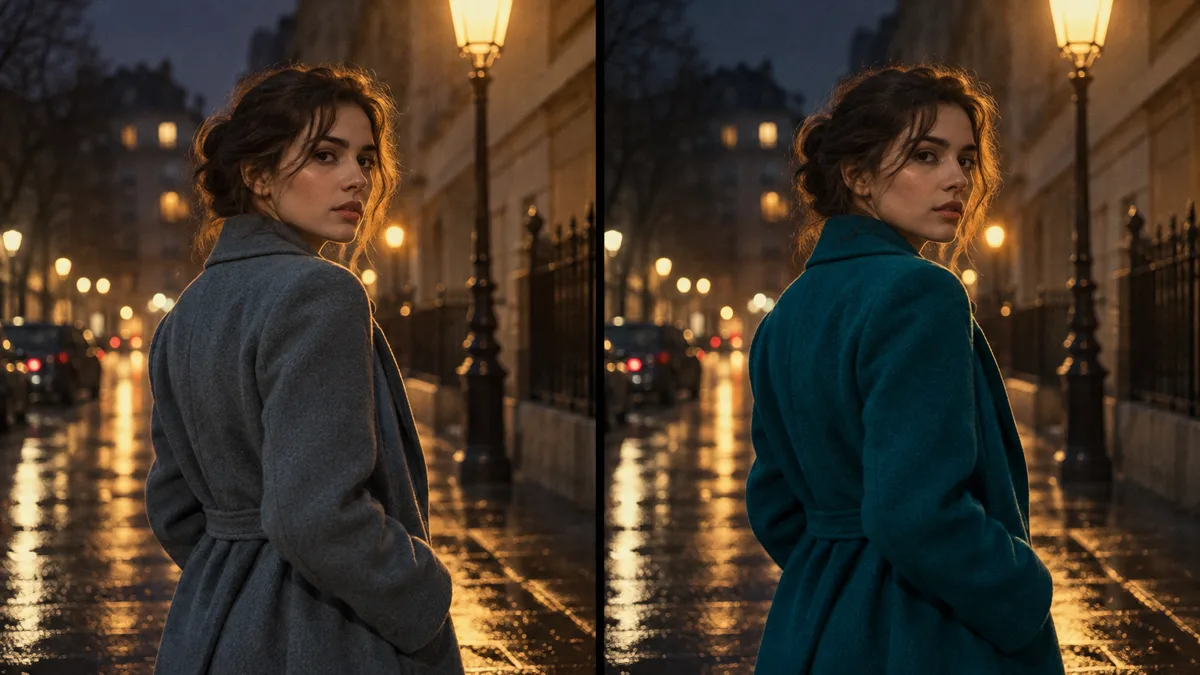
Between one frame and the next, the light changes, the angle changes, the crop changes — and every colour word in the brief gets re-interpreted. “Deep red” under a warm key is one value; under cold neon it is another. Across six frames the interpretation wanders, and the coat that matched in frame one has moved two shades by frame six.
A hex value has nothing left to interpret. It travels into every render unchanged, so the pinned red stays the red while everything that should stay dynamic — shadow, falloff, texture — still moves.
Where hex values come from
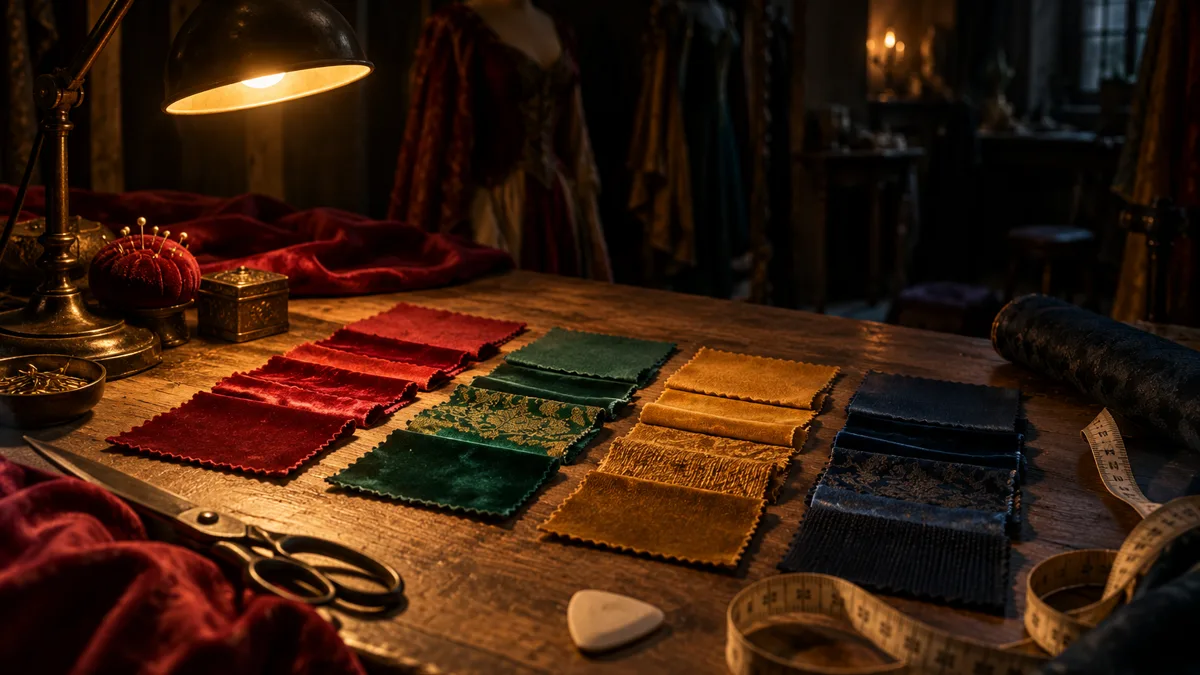
Three sources, in order of precision. A brand sheet or wardrobe document that already lists them. A colour picker sampling one reference photo — a single frame you have decided is the look. Or physical samples, photographed in neutral light.
Decide before the first render, not after. Sampling mid-sequence means the sequence restarts — and in a six-frame run, the first frame is the one everything else hangs on.
Soul HEX, Soul ID and palette lock together
The three locks answer three different questions. Soul ID answers who is in the frame — one face and wardrobe across a sequence of up to six frames. Palette lock answers how the render treats colour. Soul HEX supplies the values that palette lock pins: the difference between “keep this looking the same” and “keep exactly this”.
Run all three when a keeper has to repeat — the cast holds, the values hold, and the only thing that changes between frames is the camera. The studio turns any of the three on for a render, and a planned location gives the light somewhere to land.
How to use Soul HEX in the console
The console lists the set it is pinning while you type, and carries it into the render brief. A pinned value does not make a frame more expensive than the resolution tier you chose — and if a frame fails, its credits come back automatically.
- Open palette lock and type your values — up to four hex codes, three or six digits, separated by commas.
- Start with one pin. A single held accent — a scarf, a car, a sign — teaches the habit faster than a full palette.
- Convert every colour word to a value first: “bottle green” is a direction until a picker turns it into a code.
- Re-pin rather than re-describe. When a colour must change between frames, change the value, not the adjective.
- Keep one set for a whole sequence; swapping values mid-run restarts the colour story.
Frequently asked
Do I need hex codes to keep a colour?
Not strictly — you can describe the colour and hope. But a description is re-interpreted on every render, and a hex code is the only way to name a value. If you do not have codes yet, sample them from a reference before the first frame.
How many colours can one render pin?
Four, in the console — three or six digits each. Four covers an accent, a wardrobe colour, an ambient tone and one spare, and tighter sets repeat better than loose ones.
Where do I find my own hex values?
Brand guidelines and wardrobe sheets usually list them. Without a document, open any colour picker, sample the reference, and write the code down next to the brief.
Does the pinned value survive an 8K export?
Yes. The value is quoted into the render, so it survives re-renders, upscaled exports and changes of angle or output size — that is the point of pinning it.
Is Soul HEX the same as palette lock?
Palette lock is the mechanism; Soul HEX is the input. Palette lock pins “the colour”; Soul HEX is what lets you say exactly which one. The mechanism itself is walked through in the palette lock guide.
Your first cinematic frame is one prompt away
Sign in with Google, pick a plan and keep every still at the resolution the model produced. Plans from $12/month, cancel at any time. No watermark, no re-encode.