
Soul Cinema studio: the console
The workspace where a written shot becomes a delivered frame — the four decisions behind a render, the locked look library, six-frame sequences, and what the studio intentionally does not do.
What the studio is
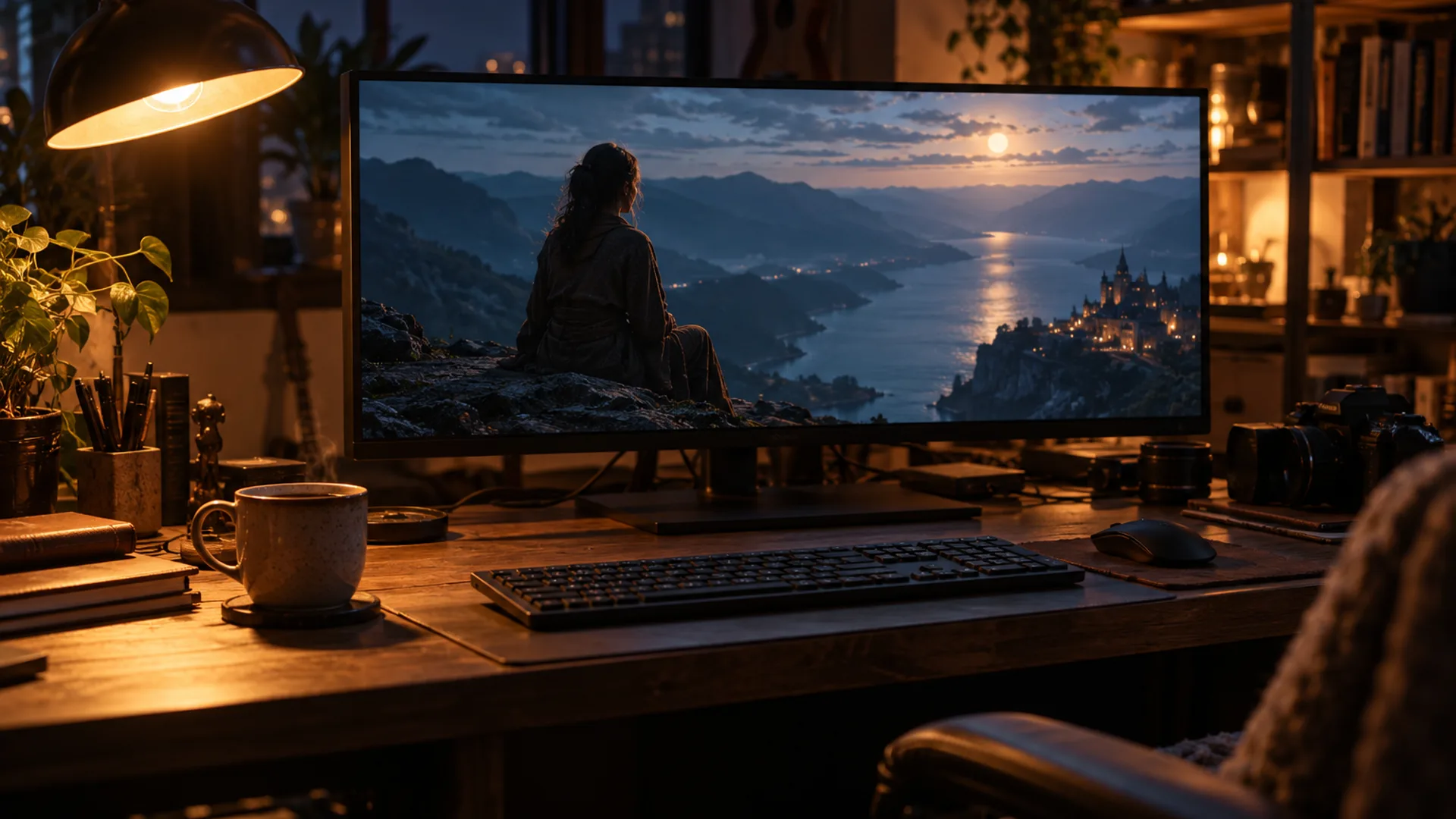
The Soul Cinema studio is the browser console: one page that takes a written shot, applies a chosen look and returns a still at the size you asked for. It runs on the same model family the guides describe, and it is a workspace rather than a chat window — every control exists so a frame can be reproduced, not discovered by conversation.
Nothing is installed. The console, the credits, the cast library and the exports all live in your account, and signing in with Google takes you straight to it.
If you are new to the model itself, start with What is Soul Cinema?; the console is the part that turns the description into a delivered frame.
From brief to export: the four decisions
A render in the studio is four decisions made in order. Each one narrows the frame a little further, and the order matters because a look chosen before the brief produces a pretty frame of the wrong shot.
- The brief: subject and blocking, light, lens and frame, palette, stock and grain.
- The look: one of the locked looks, or your own combination of light and stock.
- The frame: aspect ratio and composition, decided before the render rather than cropped after it.
- The resolution: 2K for tests, 4K and 8K for deliverables, with the cost shown before you commit.
The locked look library
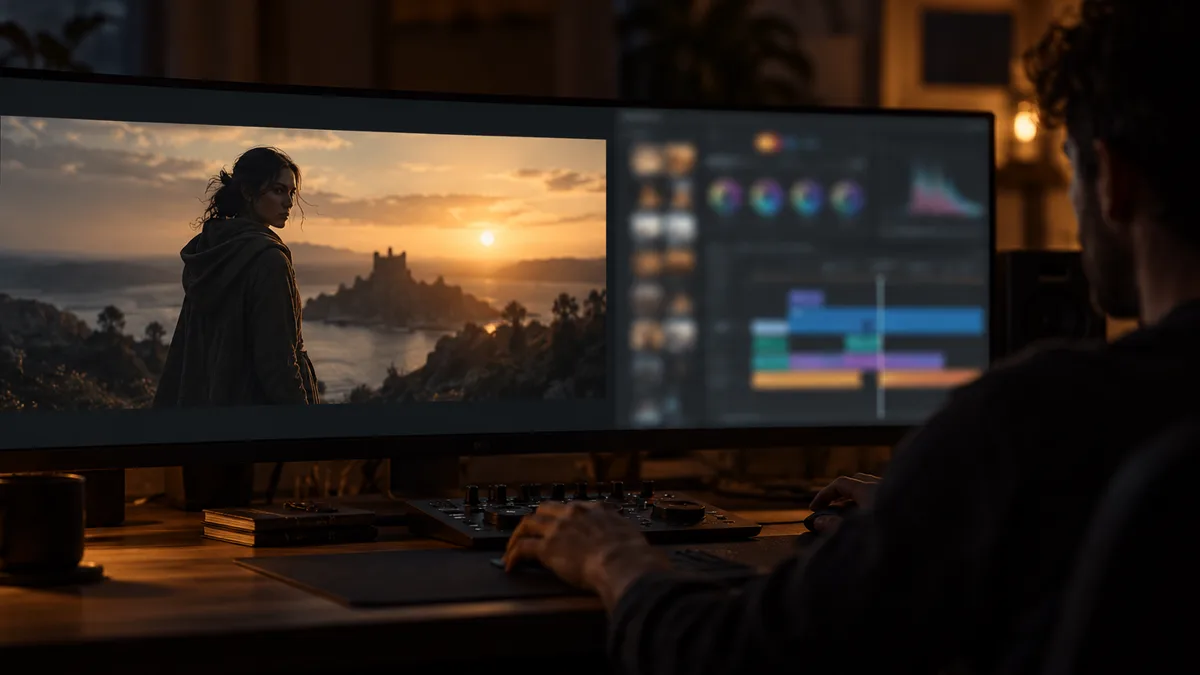
The studio ships with 40+ locked looks: named combinations of a lighting setup, a palette and a stock, each one rendered in the same conditions so two looks can be compared honestly. A look is not a filter — it does not sit on top of a finished frame, it changes what the model is asked to light and how the render is graded.
Basic includes the core set. Pro and Max open the full library, and any look can be modified a line at a time: change the lens, keep the light; change the wardrobe hex, keep the stock. Locking a look is what keeps a series of frames recognisably one body of work.
The vocabulary for modifying a look without breaking it is covered in Cinematic AI image prompts.
Sequences in the studio
A sequence is up to six frames rendered against one locked cast. Soul ID holds the face and wardrobe while the camera changes frame to frame, so the studio can produce a beat sheet, a storyboard or a look book that reads as one actor in one costume rather than six unrelated renders.
Batch sequences are part of the Max plan, which is the tier to choose when several sequences run at once. Frames are still charged individually by size, so a batch is priced the same as the same frames rendered one at a time — the plan buys throughput, not a discount on pixels.
The cast lock itself is described in Soul ID, and a full boarding workflow is in the AI storyboard generator.
What the studio deliberately leaves out
No timeline, no frame rate, no camera moves. The studio renders stills, and adding motion controls would only dilute that: motion belongs to the video branch of the family, which is covered in Soul v2 vs Soul Cinema. No chat either — a console of explicit controls is what makes a frame reproducible a month later.
Exports arrive at the resolution the model produced them, with no watermark, no re-encode and no branding in the file; 8K exports are AI-upscaled from a native 4K render, and the file metadata records both sizes so nothing about the pipeline is hidden.
Basic is $12 a month for 120 credits and stills up to 4K, Pro is $29 for 600 credits and 8K, and Max is $79 for 2,000 credits, batch sequences and a commercial licence for client work. There is no free tier and no free credits; the full feature list is on the Soul Cinema pricing page.
Frequently asked
Is Soul Cinema Studio free to use?
No. There is no free tier and no free credits, because every frame costs real compute. Basic starts at $12/month for 120 credits, Pro is $29 and Max is $79, billed monthly or annually, and any plan can be cancelled at any time.
Do I need to install anything to use the studio?
No. The studio is a browser console: sign in with Google, write the brief, choose the look and the resolution, and the frame renders in the page. Exports download at the size the model produced them, without a watermark or a re-encode.
What is a locked look?
A named combination of lighting setup, palette and film stock that renders the same way every time. Locking the look is what keeps a series of frames consistent, and any single line of it — lens, light, wardrobe hex — can still be changed per frame.
Can the studio render video?
No. It renders stills, and it has no timeline or frame rate. Motion belongs to the video branch of the model family; the split between the two is covered in Soul v2 vs Soul Cinema.
Which plan should I use for a sequence?
Basic is enough to test a look and lock a single cast; Pro adds unlimited casts, the full look library and 8K; Max adds batch sequences and a commercial licence, which is the tier to choose when more than one sequence runs at the same time.
Your first cinematic frame is one prompt away
Sign in with Google, pick a plan and keep every still at the resolution the model produced. Plans from $12/month, cancel at any time. No watermark, no re-encode.