
Higgsfield Cinema Studio, explained
The video arm of the Higgsfield platform: what Cinema Studio 4.0 adds, which engines it runs, what it costs, and how the still-to-motion handoff works.
What Higgsfield Cinema Studio is
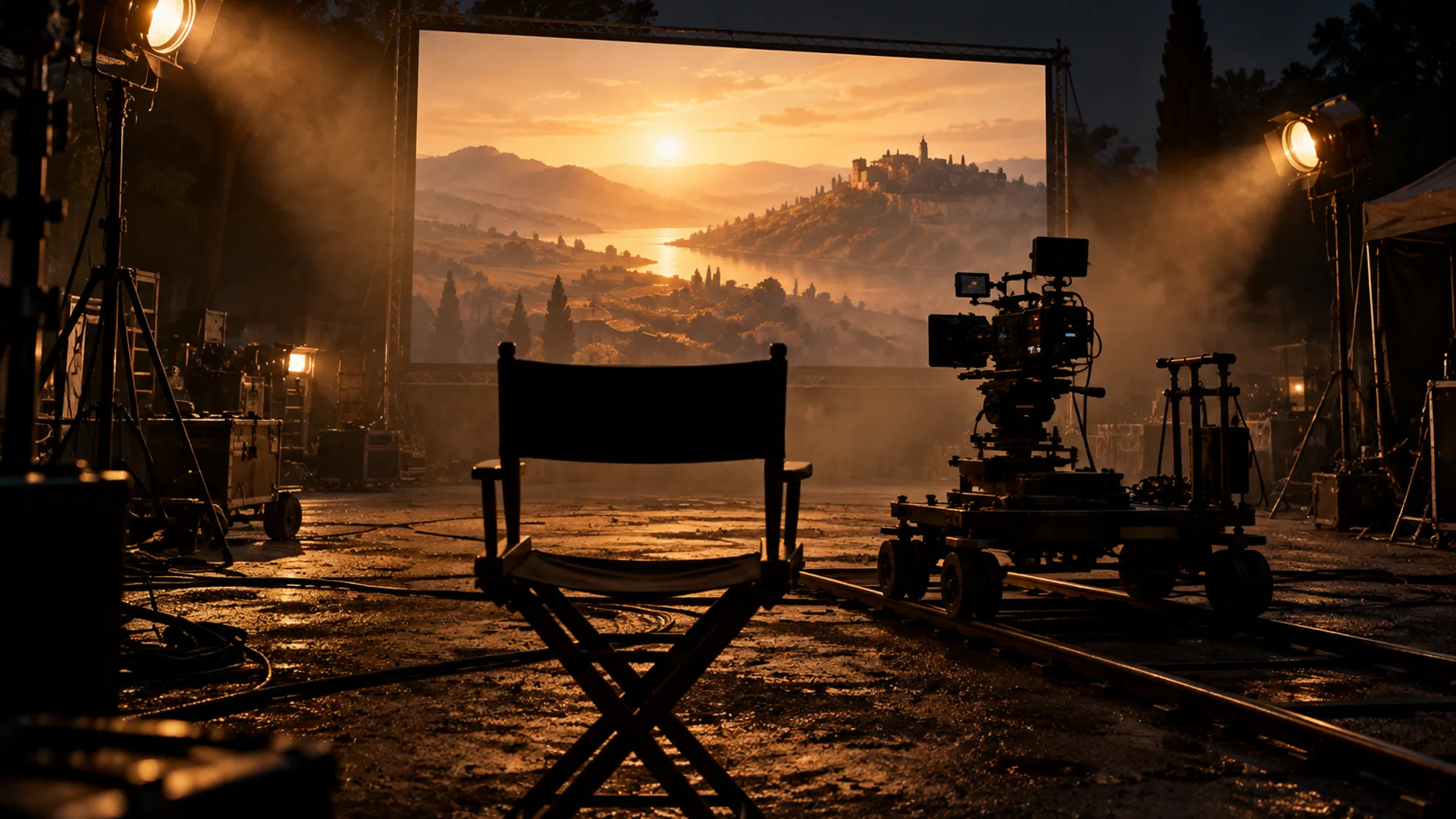
Cinema Studio is the video arm of the Higgsfield platform — a standalone AI filmmaking environment built to behave like a physical film studio, with controls for optics, physics and motion rather than a single text box. Numbered generations arrive as releases — 2.0, 2.5, 3.x — and the current one is Cinema Studio 4.0.
This site covers the stills half of the same platform (What is Soul Cinema?), and this page covers Cinema Studio for one practical reason: the two halves finish each other’s sentences. The still is where a shot is decided; the clip is where it moves. It is an independent third-party guide — this site is not the model vendor and is not affiliated with Higgsfield.
Hero Frame First: why the still comes before the motion
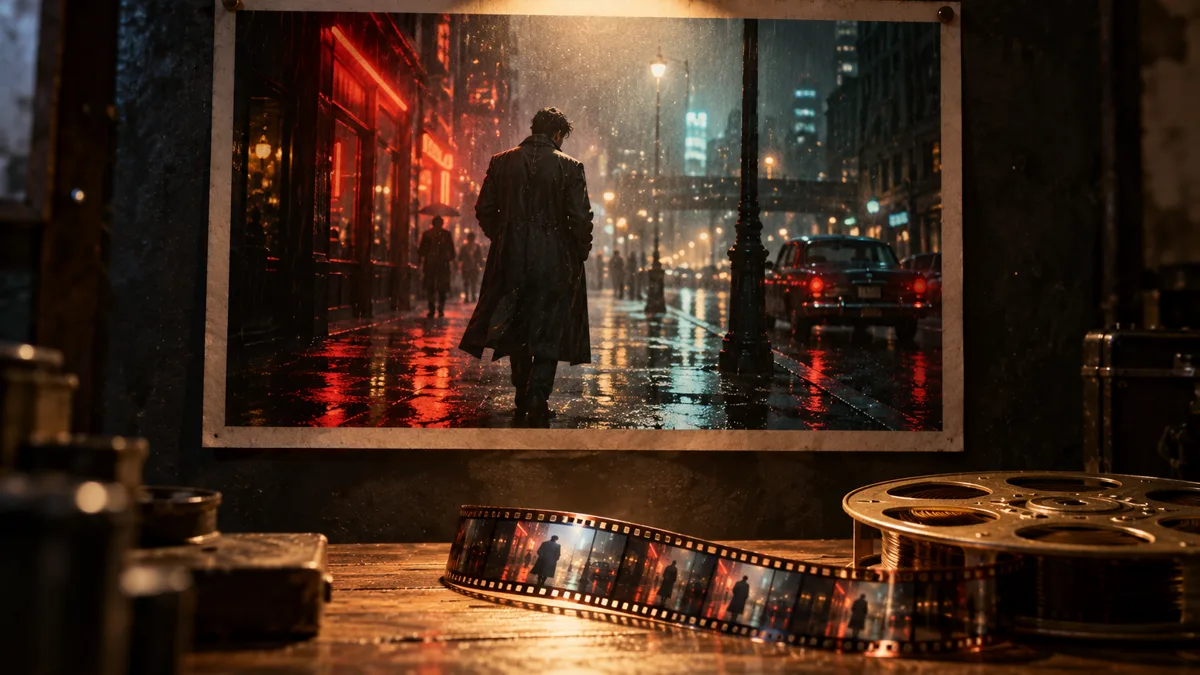
Cinema Studio is built on a philosophy its own documentation calls “hero frame first”: perfect the still image before you animate it, so lighting, composition and character details are settled in one frame instead of being re-lit across a whole clip.
That is the same argument this site makes for working stills-first. Soul ID holds the face and wardrobe across a sequence, palette lock holds the colour, and the frame that wins its test becomes the start frame the video side animates. A clip is far more expensive to re-shoot than a still is to re-render.
The version line: 2.0 to 4.0
Cinema Studio ships in numbered generations, each widening one specific gap. The 2.0 release introduced the film-studio controls: selectable camera sensors and lens glass, focal lengths from wide to portrait, deterministic camera moves like pan and tilt, start-and-end frame precision with automatic tweening, aperture control for real depth of field, and multi-shot sequences of up to six shots at 1080p. It also added a genre setting — action, comedy, horror and more — that changes pacing and motion logic, and a character system with per-character emotion.
The 3.5 generation pushed clip length to 15 seconds, raised references to nine per generation, and moved to nine camera-movement presets. Cinema Studio 4.0 — the current one — is the largest jump in the line:
- Generation length up to 30 seconds per clip.
- Up to 50 references in a single generation — faces, products or style anchors kept in place.
- Tempo as a first-class control: chaotic, dynamic, calm or single shot.
- 30+ camera-movement presets, from POV and robot arm to helicopter shot.
- Four camera types (modern, DV camcorder, 35mm film, 8mm film) and five optically modelled lenses.
- A 50+ colour-preset palette, an era selector that regrades the whole film by decade, and an emotion wheel for character performance.
- Forward and backward extend — continuing a clip in either direction instead of regenerating it.
What model does Cinema Studio use?
Cinema Studio is deliberately multi-model. It is not locked to a single engine: leading video models — Seedance among them — run natively inside the studio, and the engine can be chosen per shot. The studio layer on top is the constant: genre, camera, lens, era and tempo settings shape every engine the same way.
Practically, that means the “which model” question matters less than the “which shot” question. The frame comes first, the engine is swappable, and the controls that decide the look do not change with it.
Is Cinema Studio free, and what does it cost?
Cinema Studio is one product inside Higgsfield’s own account and credit system, on Higgsfield’s plans and priced on their site — plans and offers there change, so model a budget from the current numbers rather than from a screenshot. The stills side is independent of that: this console starts at $12 a month, credits map to frames (a 2K still is one credit), and failed frames are refunded.
The economical order is the one the studio itself recommends: resolve the frame cheaply on the stills side first — the honest pricing answer and the plan arithmetic are on this site — then spend video credits only on shots whose still already works.
Soul Cinema and Cinema Studio: who does what
One line splits the two products: Soul Cinema decides how a shot looks; Cinema Studio decides how it moves. The stills side owns the brief, the cast, the palette and the six-frame sequence; the video side owns motion, tempo, camera moves and clip length. Neither replaces the other — a video model with a weak start frame inherits the weakness for the whole clip.
- Need a look, a cast or a still frame — the stills console: up to 8K, sequences of six, locked colour.
- Need motion, montage or a 30-second beat — Cinema Studio.
- Need both — lock the cast and the palette on the stills side, then animate the winning frame.
Frequently asked
What is Higgsfield Cinema Studio in one sentence?
It is the cinematic AI video generator on the Higgsfield platform — a studio-style environment where each shot is directed through camera, lens, genre, era and tempo controls, rather than prompted once and accepted.
Which AI models does Cinema Studio run?
It is multi-model by design: leading video models, Seedance among them, run natively inside the studio, and the engine can be chosen per shot. The directing controls sit above the engine, so the workflow does not change when the model does.
How long can one Cinema Studio generation be?
In 4.0, a single generation runs up to 30 seconds. Earlier generations were shorter — 3.5 topped out at 15 seconds, and 2.0 at 12 seconds in total across up to six multi-shots.
Is Cinema Studio a replacement for Soul Cinema?
No — it is the other half. Soul Cinema is stills: the brief, the cast lock, the sequence of six frames. Cinema Studio is motion: the clip, the camera moves, the tempo. The healthy workflow uses both, in that order.
Can I animate a Soul Cinema frame in Cinema Studio?
That is the intended handoff. Render and lock the still here — cast, palette and frame — export it at the size the model produced, and use it as the start frame on the video side. Fixing a still costs credits; fixing a clip costs more.
Your first cinematic frame is one prompt away
Sign in with Google, pick a plan and keep every still at the resolution the model produced. Plans from $12/month, cancel at any time. No watermark, no re-encode.