
Higgsfield Soul 2.0 explained
What the 2.0 label refers to, what a second-generation stills model changes, how Soul 2.0 prompts differ from the ones you already have, and how to test a new look without wasting credits.
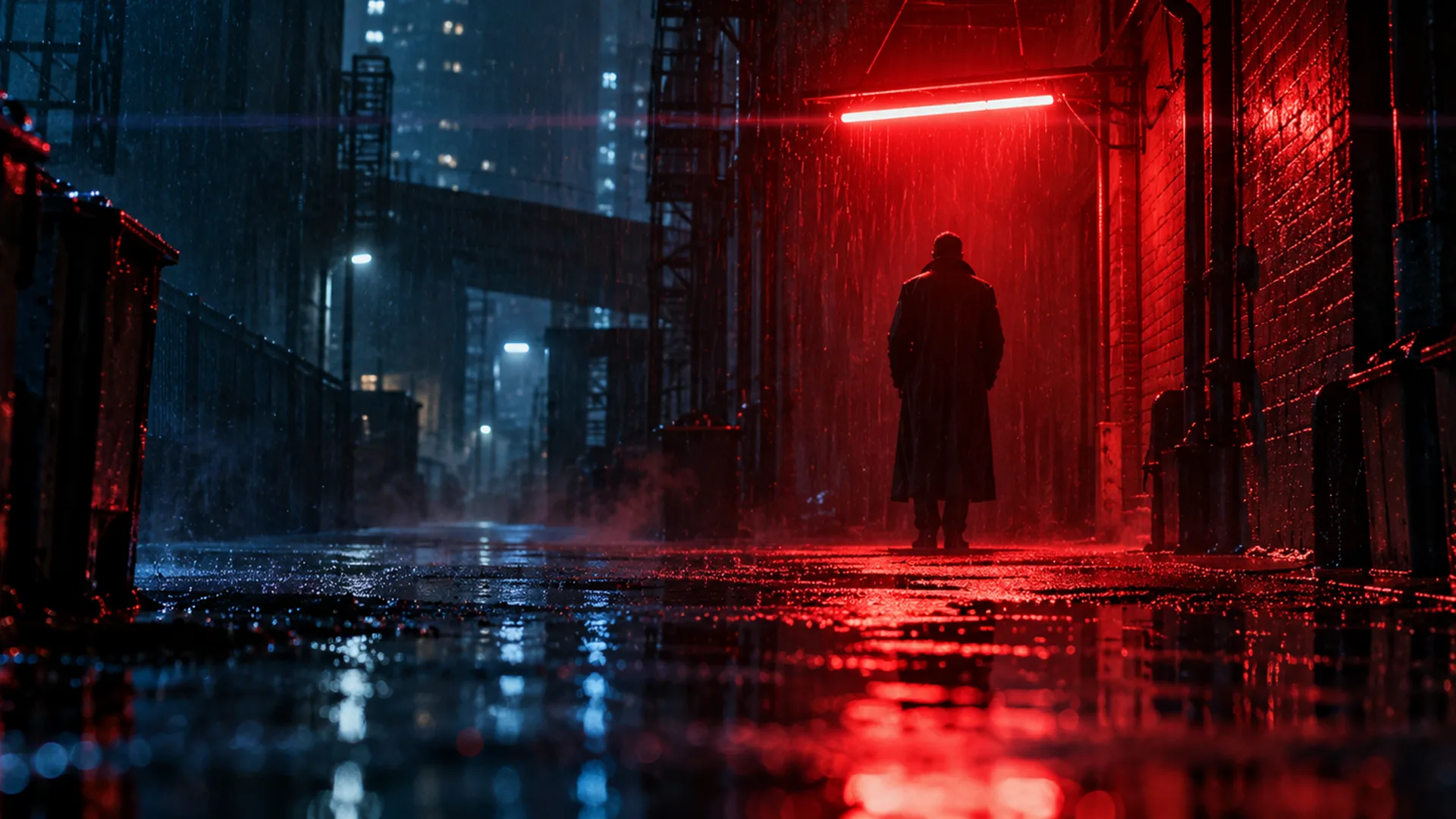
What the Soul 2.0 label refers to
Soul 2.0 is a generation label, not a separate product line: the second numbered release of the Soul image model family, still on the stills side of the line-up where light, contrast and texture are the things being judged. When a model ships a new major version, the label follows the weights, not the workflow — the console you type into and the brief you write stay where they were.
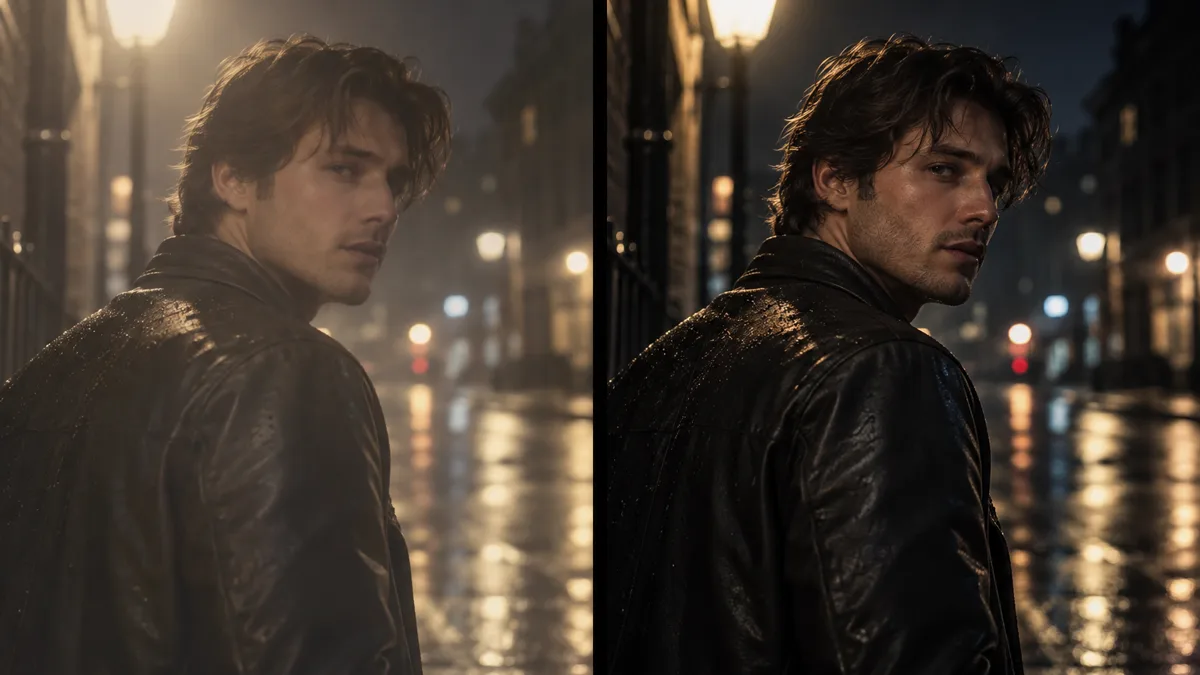
Version numbers move faster than public documentation, so the useful question is not “what is new in 2.0” in the abstract, but “what changed in the frames I am looking at”. Compare the same brief rendered before and after, and the differences are visible in about a minute.
This site is an independent third-party web app that renders stills through the same model family. It is not the model vendor and is not affiliated with it; the boundaries are set out in the sections below.
What a second generation tends to change
Across 2.x releases, the changes that matter to a working shot tend to land in the same four places — and they are all things you can check with one test render rather than take on trust.
- Prompt adherence: the named light source lands where you put it, and a second source stays subordinate instead of joining the frame as an equal.
- Highlight headroom: neon, windows and practicals keep their colour instead of clipping to white.
- Skin at close range: texture and pores survive, so a portrait does not turn to plastic when the frame is tight.
- Falloff: the key keeps a direction, so the background stays readable rather than being flooded flat.
- What does not change: the five-line brief. Subject, light, lens, palette, stock reads the same way in any generation.
Soul 2.0 prompts: what to drop, what to keep
Most prompts carried over from an older generation are too defensive. They were written to stop a specific failure — blown highlights, plastic skin, a key with no direction — and every defensive clause costs you a line of the structure you actually want.
Strip the prompt back to the five lines, render it, and only then add a phrase if the frame asks for one. A new generation usually makes those clauses redundant, and the brief that works is the one with the fewest moving parts.
The five-line structure itself is covered in Soul Cinema prompts, with worked briefs in Soul Cinema prompt examples.
- Keep: one ranked key, a stated direction and a named source.
- Keep: the lens and aspect ratio, since framing decisions survive version changes.
- Drop: “high quality”, “masterpiece” and other words that describe quality rather than light.
- Drop: safety clauses added to prevent a specific old failure until you see the failure again.
Soul 2.0, Soul v2 and Soul Cinema: which is which
Three labels sit close together and are frequently mixed up. Soul 2.0 is a stills generation number. Soul v2 is the motion branch of the family, judged on movement over time. Soul Cinema is this independent web app, which renders stills through the Soul model family.
The stills-versus-motion split is separated by deliverable in Soul v2 vs Soul Cinema, and the family itself is described in Higgsfield Soul Cinema.
Soul Cinema is an independent third-party website and is not affiliated with, endorsed by, sponsored by or operated by Higgsfield or any other model provider it references. See the terms of service for the terms that apply here.
How do you test a new generation without wasting credits?
Test with three briefs you already know: one hard-key night exterior, one soft portrait, one frame with a bright practical in shot. Render all three at 2K — one credit a frame — and compare them against the same three briefs from the previous generation, side by side rather than from memory.
Promote only the winners. A frame that survives the comparison goes to 4K or 8K; the rest stay at 2K and the brief is adjusted instead. Failed frames are refunded automatically, so a broken render costs nothing but the wait.
A six-brief test at 2K is six credits, and the Soul Cinema pricing page lists what each plan includes, starting at $12/month for 120 credits.
Frequently asked
What is Higgsfield Soul 2.0?
It is the second numbered generation of the Soul image model family, still on the cinematic stills side of the line-up. This site is an independent third-party app that renders stills through that model family and is not affiliated with its vendor.
Is Higgsfield Soul 2.0 free?
There is no free tier here and no free credits, because every frame costs real compute. Soul Cinema starts at $12/month for 120 credits and stills up to 4K; credits are charged per frame by output size and failed frames are refunded automatically.
Do Soul 2.0 prompts look different from earlier prompts?
The structure is the same five lines: subject and blocking, light, lens and frame, palette, stock and grain. What usually changes is the number of safety clauses — prompts written to prevent an older failure are often redundant, and shorter briefs render better.
How do I compare two generations fairly?
Render the same three briefs, at the same size, in both generations and put them side by side. Change one variable per test, and use a hard-key frame, a soft portrait and a frame with a bright practical to cover the three failure modes a new release usually fixes.
Can I keep the same cast when I switch generations?
Yes. Soul ID holds a face and wardrobe reference across a sequence of up to six frames, so a cast locked in one generation can be re-rendered in the next, with palette lock holding any pinned hex colours in place.
Your first cinematic frame is one prompt away
Sign in with Google, pick a plan and keep every still at the resolution the model produced. Plans from $12/month, cancel at any time. No watermark, no re-encode.