
What is Soul v2 & Cinema?
A two-part label, not a two-headed model: the motion branch and the stills branch of one family — what each half does, and how they share a workflow.

Where the label comes from
“Soul v2 & Cinema” is the label people land on when the two halves of the family are named in one breath. It is not one model with two jobs — the ampersand is the sum of two branches, a motion branch and a stills branch, shipped as a pair.
That is why the same three words get typed five different ways: with the ampersand, with “and”, as “soul v2 cinema”, in Spanish as “soul v2 y cinema”. They all describe the same pair, and they all resolve to the same question — which half does what.
The two halves: motion and stills
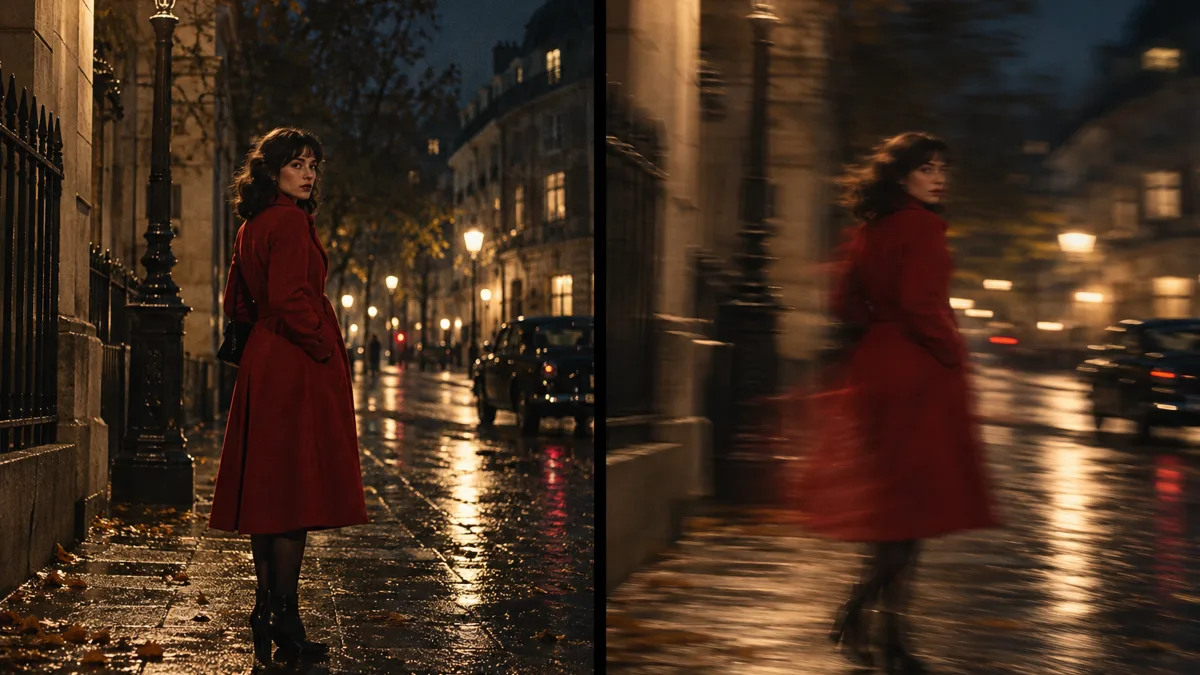
Soul v2 is the motion branch. It is judged on movement over time — a two-second camera move, a performance inside a locked-off frame — and the disciplines that keep a still clean (ranked light, grain, a held palette) are exactly what let the movement read.
Cinema is the stills branch. It renders one frame at a time, and every control in it exists to make that frame specific: light as light, lens as lens, colour as colour.
Why the difference matters in practice
A shot almost always starts as a still, whether or not it ends as one. The frame settles the light, the lens and the palette; movement then inherits those decisions or contradicts them.
This is the reasoning behind the comparison in Soul v2 vs Soul Cinema: pick by deliverable, not by novelty. A storyboard, a key frame or a look test is a stills job; the moment the shot has to breathe for two seconds, it is a motion job.
The naming around the family is covered separately — Higgsfield Soul 2.0 unpicks the 2.0 label against v2, and What is Soul Cinema? explains the stills model in full.
How do you use both in one project?
The pair works best as a sequence of decisions, cheapest first:
- Board the shot as a still — prove light and palette on one frame before anyone commits to movement.
- Lock the cast with Soul ID so the person who exists in the still is the same person who moves.
- Pin the palette with palette lock; a grade that drifts between the still and the move reads as two different shots.
- Keep one framing discipline — the same lens logic on both sides of the family.
- Render the stills half at the size it will ship — the still is the reference every later decision is measured against.
What renders on this site
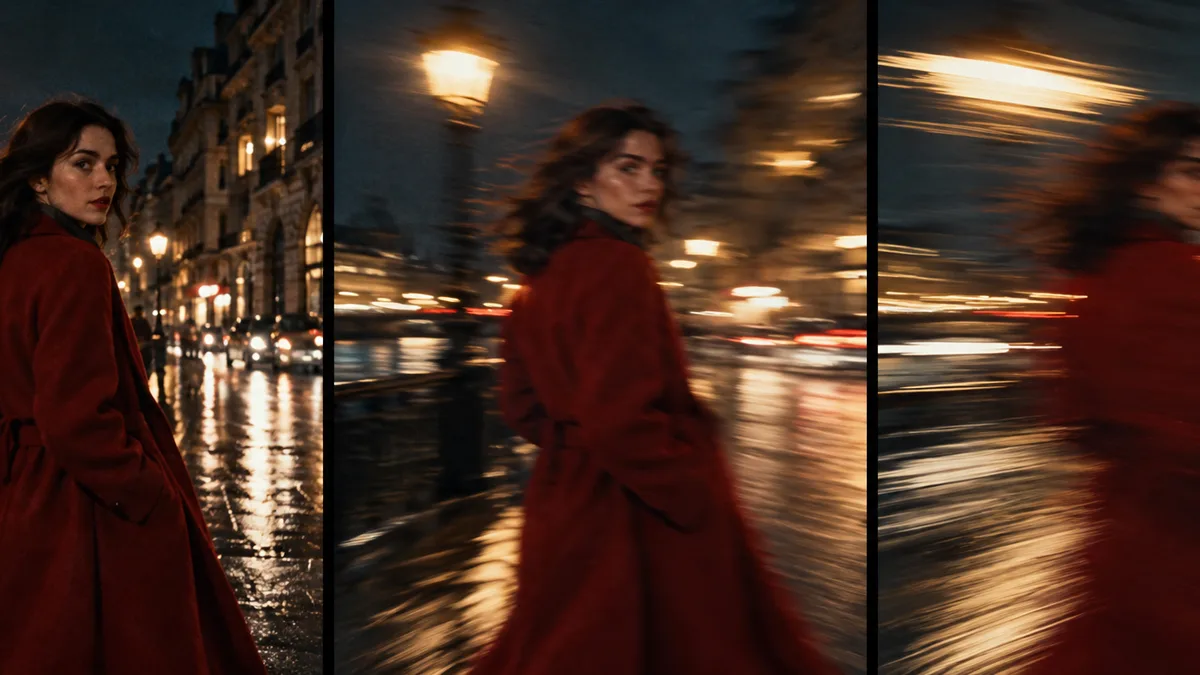
This site renders the stills half of the pair — the Cinema side. Frames come out at 2K, 4K or 8K, charged by output size (1, 2 or 4 credits a frame), with failed frames refunded and exports kept at the size the model produced.
The motion half is best judged next to the stills side, which is where the comparison guide puts it — see Soul v2 vs Soul Cinema. If the real question is “which one do I open today”, that page is the shortcut.
Frequently asked
Is Soul v2 & Cinema one model or two?
Two branches under one release label: Soul v2 for motion, Cinema for stills. The ampersand is shorthand for the pair, not a third model.
Is Soul v2 the same thing as Soul 2.0?
No. v2 names the motion branch of the family, while the 2.0 label is a stills generation number covered in the Higgsfield Soul 2.0 guide. The two get typed interchangeably, which is exactly why the naming is worth pinning down.
Can I render Soul v2 footage on this site?
No — this site renders the stills half: single frames at 2K, 4K or 8K with the stills controls (looks, Soul ID, palette lock, grain). Motion work is described where it can be compared directly with the stills side, in the Soul v2 vs Soul Cinema guide.
Why do people write it as “soul v2 and cinema” or “soul v2 cinema”?
Punctuation rarely survives a search box. Ampersand, “and”, no connector at all — and “y cinema” in Spanish — all resolve to the same pair, which is why one page has to answer every spelling.
Which half should a first project start with?
Start with the still. A frame forces the light, lens and palette decisions that movement then has to inherit — and it is the cheaper half to iterate, one credit a test frame at 2K.
Your first cinematic frame is one prompt away
Sign in with Google, pick a plan and keep every still at the resolution the model produced. Plans from $12/month, cancel at any time. No watermark, no re-encode.